HailBytes ASM: Complete Platform Tour
Every screen an operator uses, grouped the way the work actually runs: find the assets, scan them, tune the engines, triage what comes back, decide what matters, push it where your team works, and report on it.
Captured from a running instance against a seeded demo dataset. No mockups.
Discovery
Attack surface management starts with knowing what you own. ASM pulls from 30+ passive and active sources, then reconciles them against your cloud accounts so the assets nobody registered still show up.
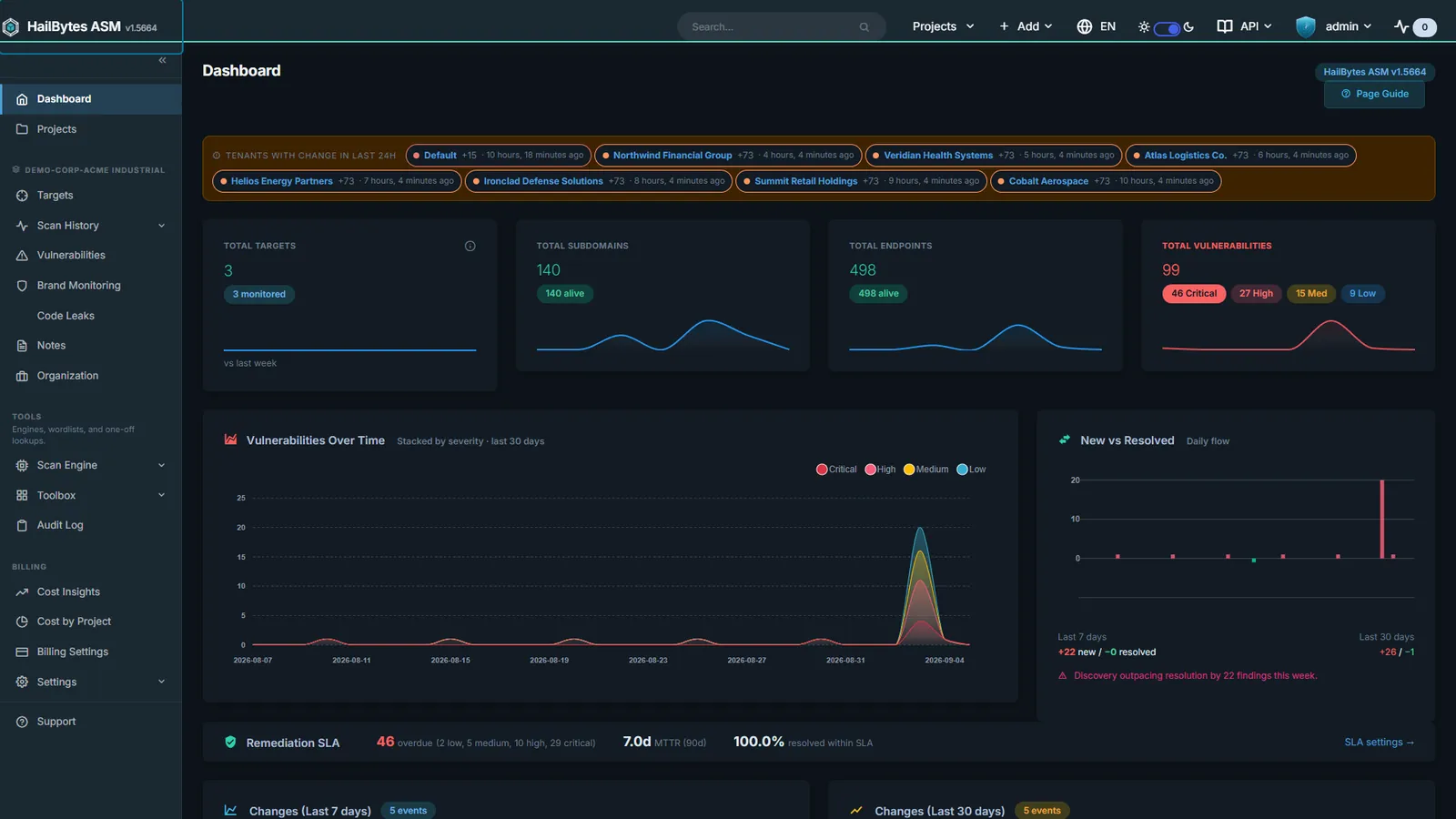
Project Dashboard
Severity KPIs, triage queue, and target risk scores in one pane.
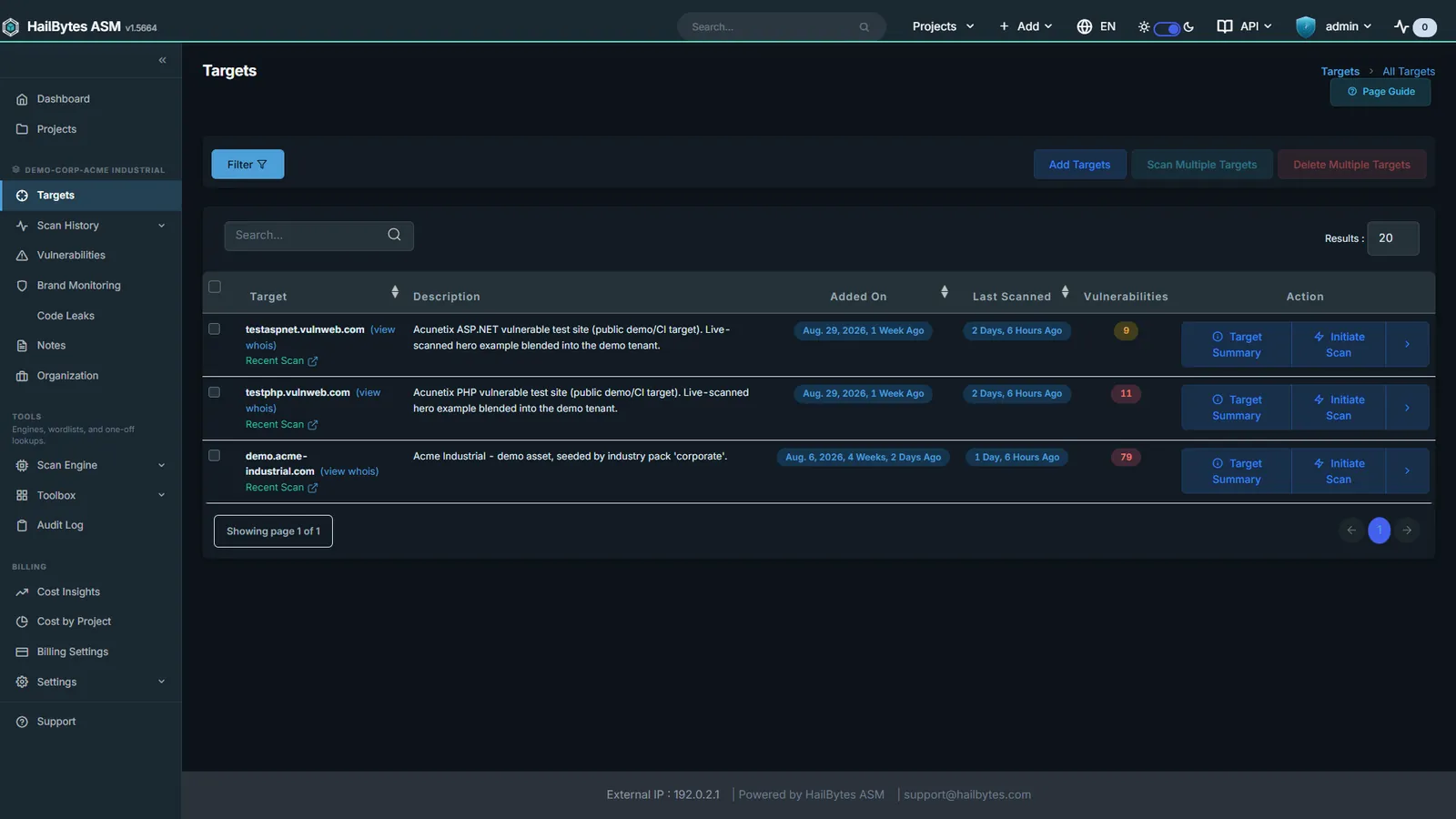
Target Management
Domains, subnets, and CIDRs grouped per project or per customer.
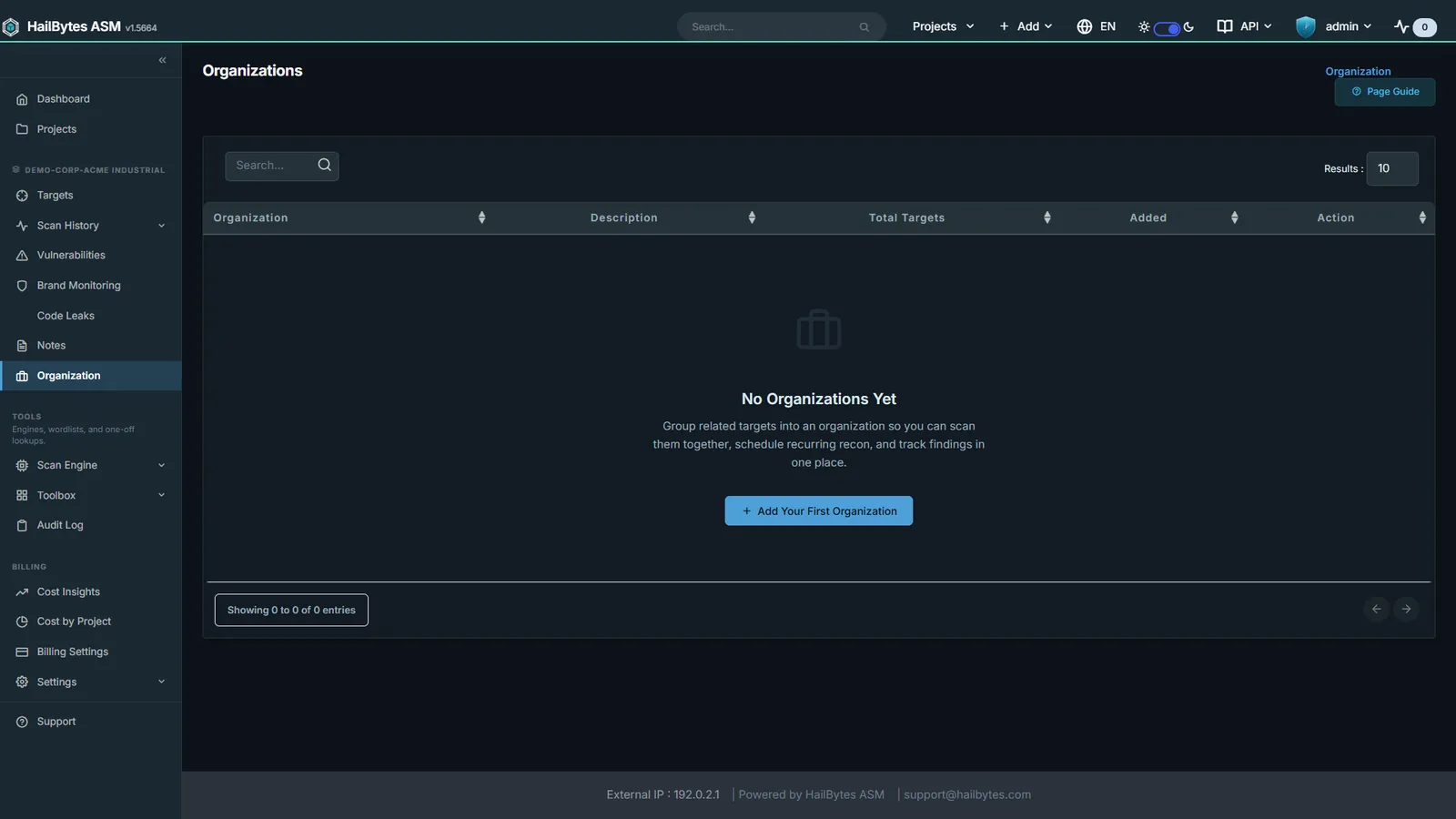
Organizations
Multi-tenant grouping of targets for MSSP and business-unit scoping.
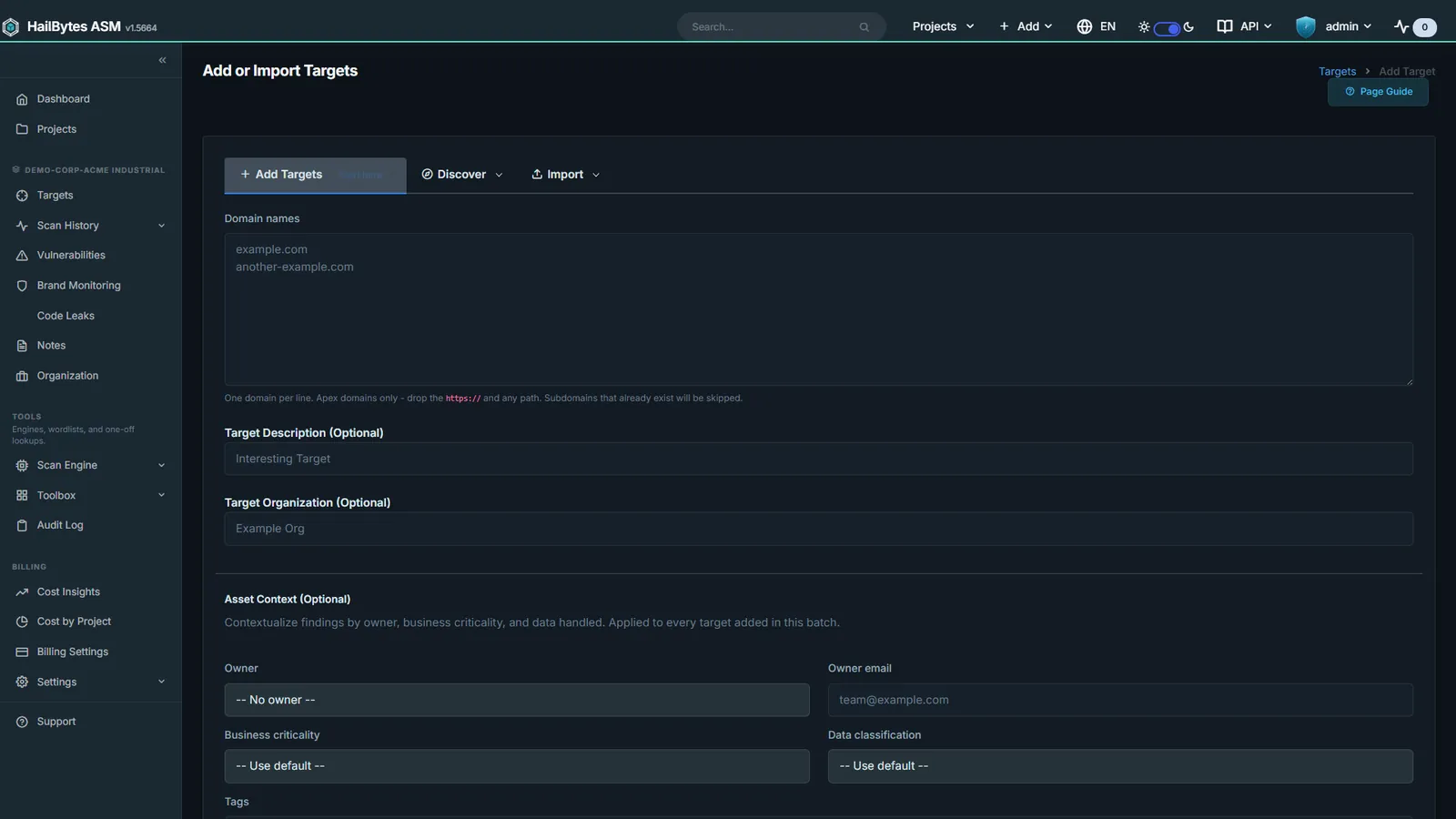
Add Target
Single, bulk, IP-range, and Netlas-discovery target intake.
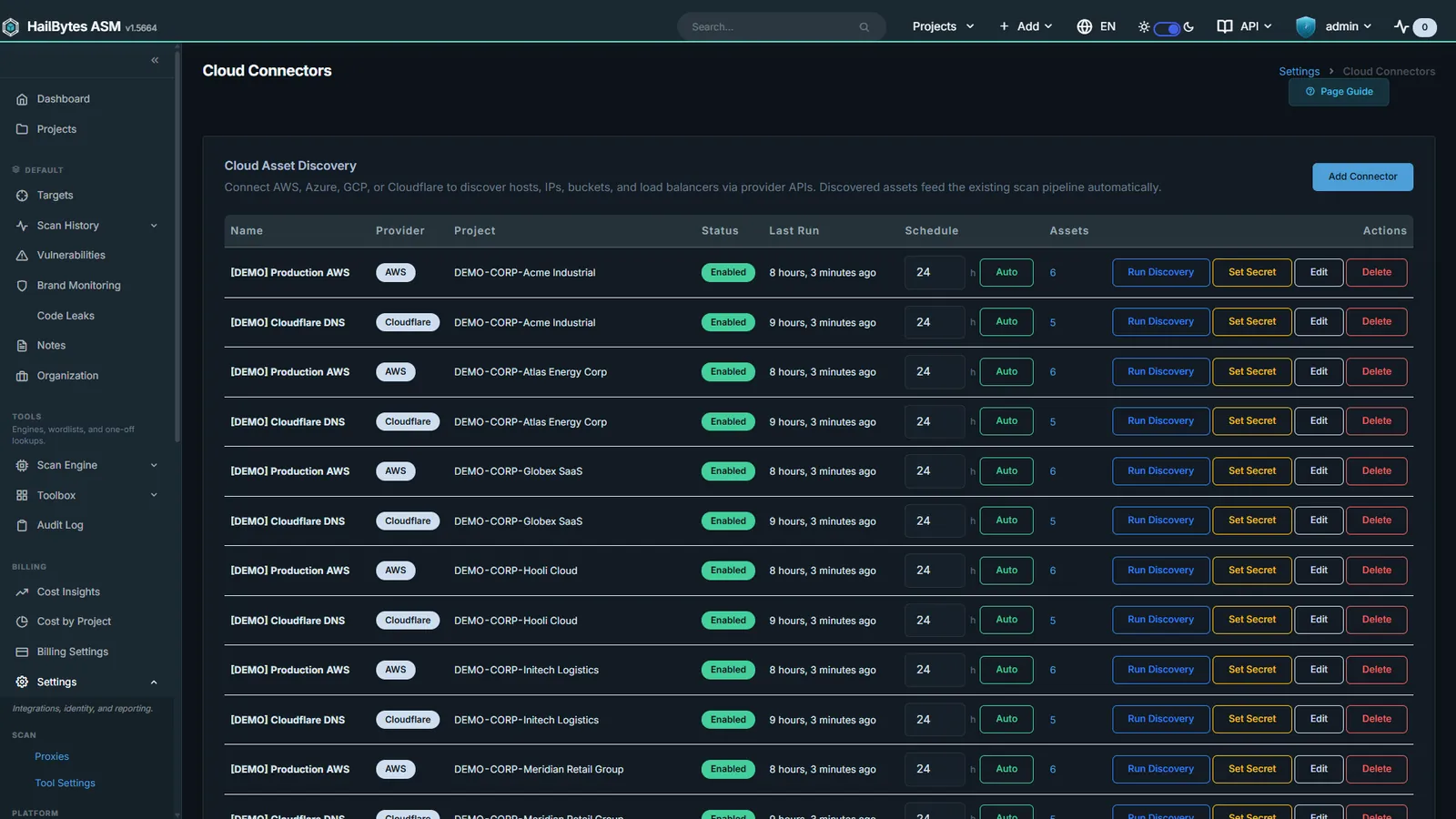
Cloud Connectors
AWS, Azure, GCP, and Cloudflare asset discovery beyond the asset register.
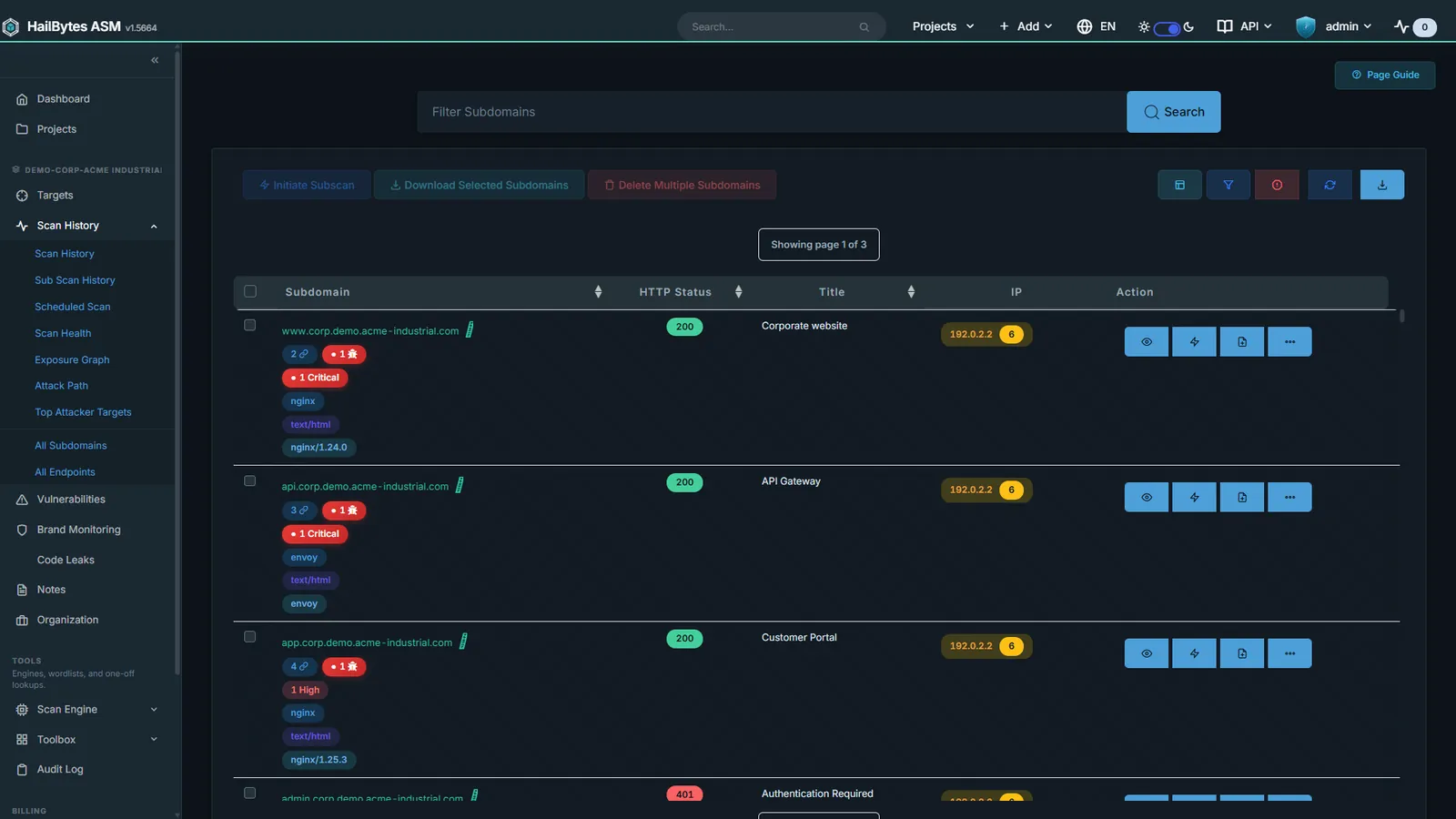
Subdomain Inventory
Every host with technologies, status codes, and inline screenshots.
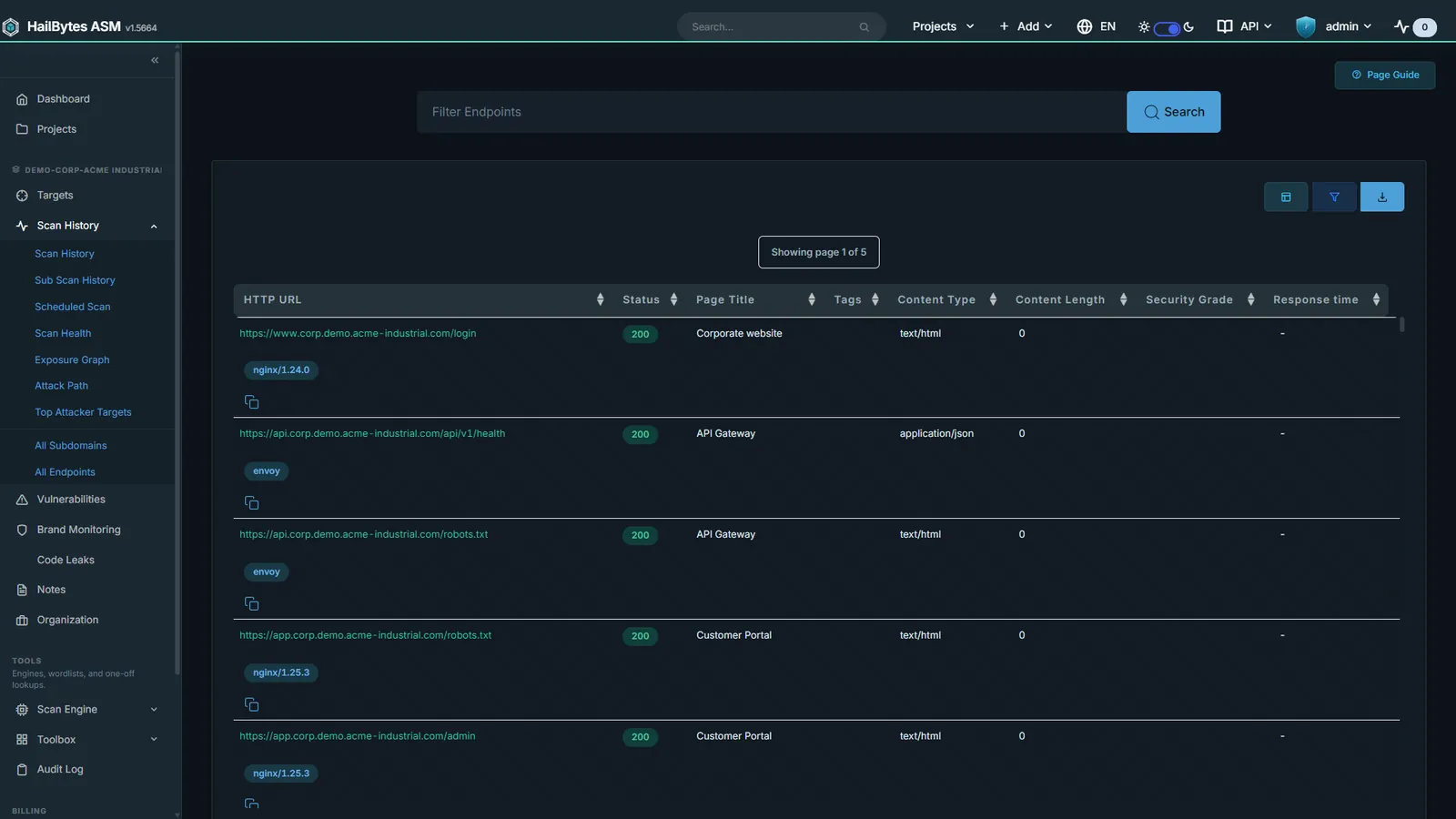
Endpoint Catalogue
Crawl-derived URL inventory with tech-stack fingerprinting.
Scanning and Monitoring
Every scan is logged, comparable against the last run, and schedulable per target and per tenant. The perimeter changes whether or not anyone is watching, so the watching is the product.
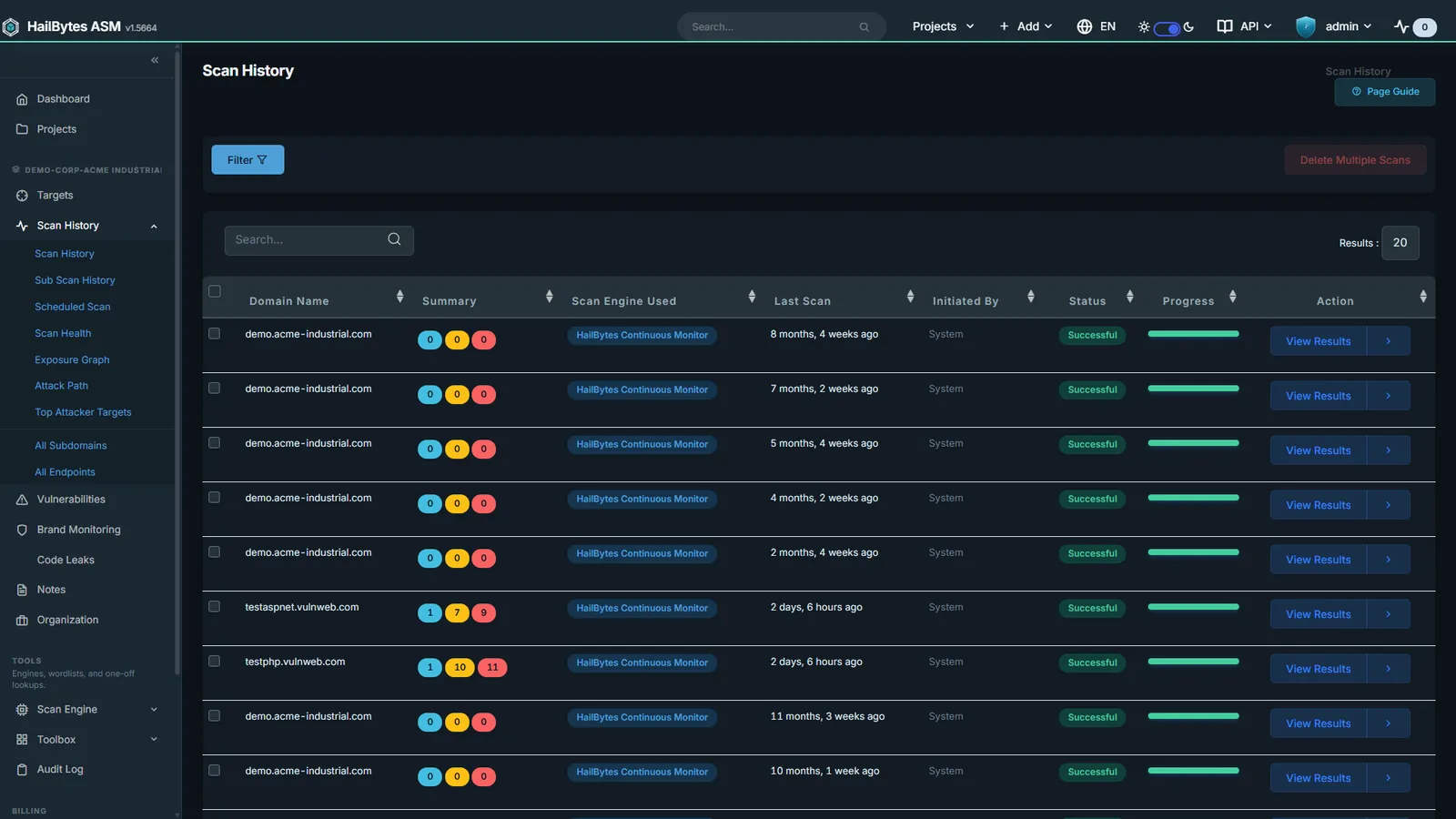
Scan History
Every scan logged with engine, status, and findings count.
Scan Summary
Subdomains, endpoints, and triaged vulnerabilities in one console.
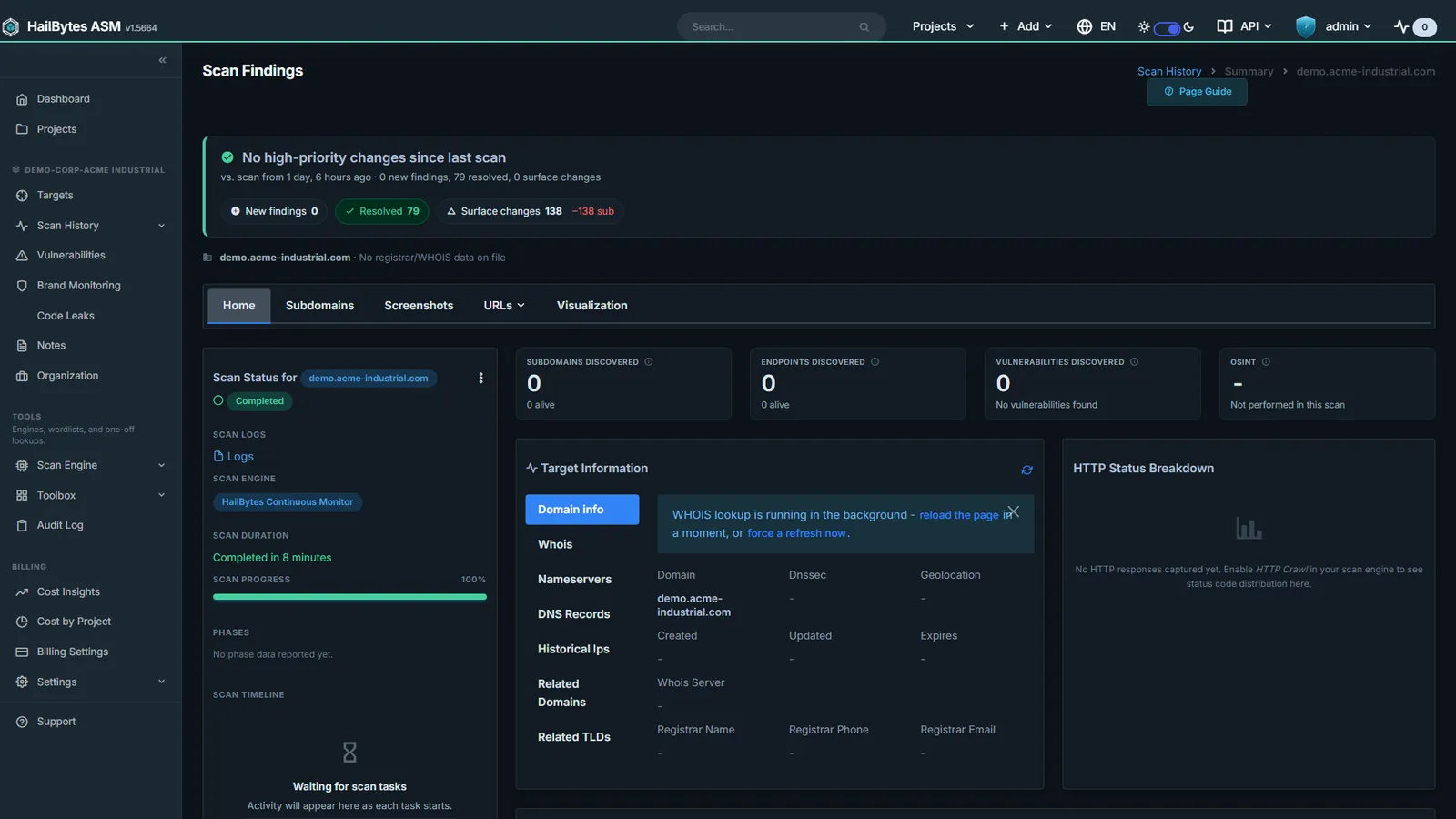
Screenshot Gallery
gowitness captures of every reachable host, ML-classified for triage.
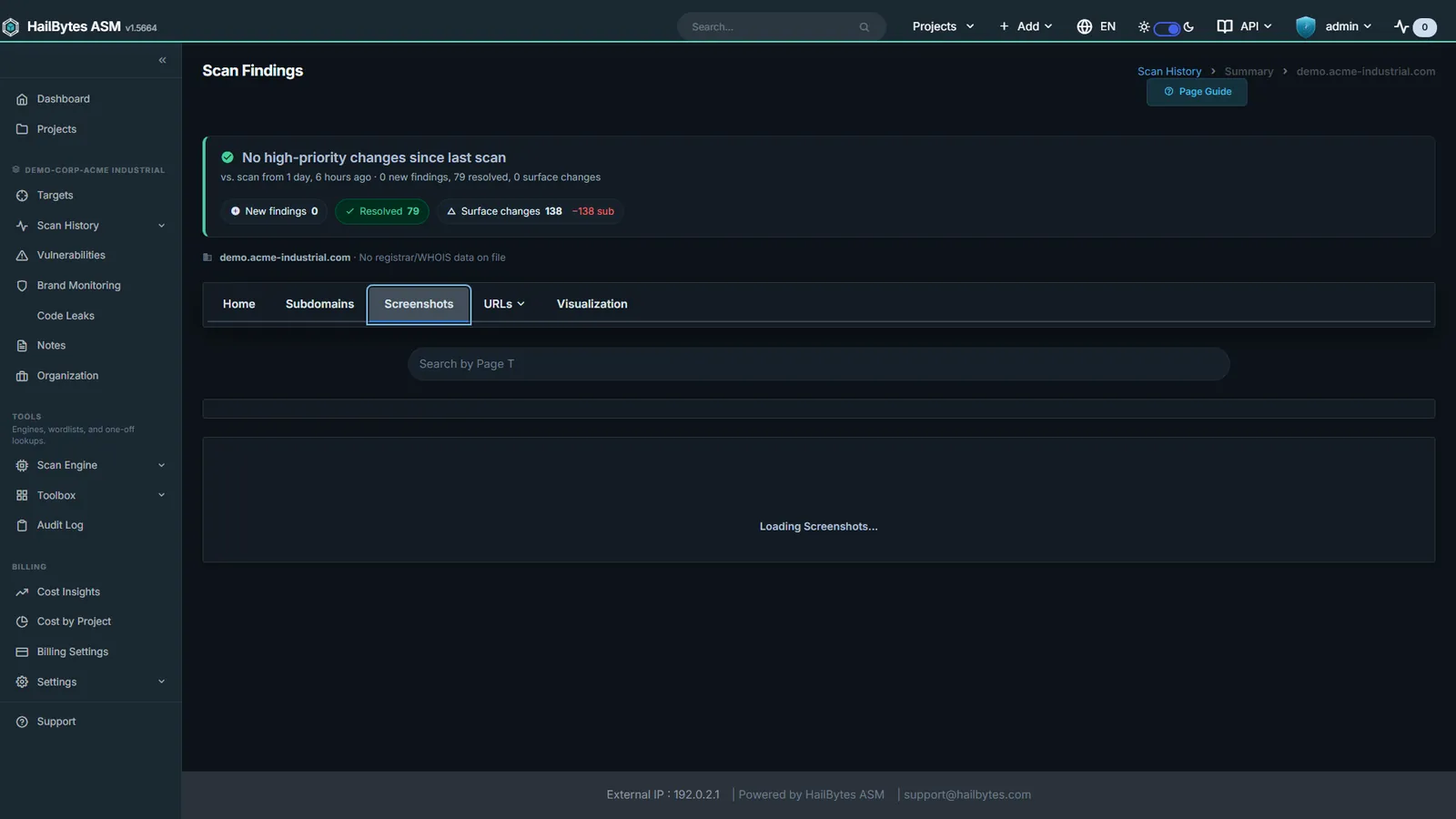
Scan Comparison
Diff two runs: assets added, removed, and changed since the last scan.
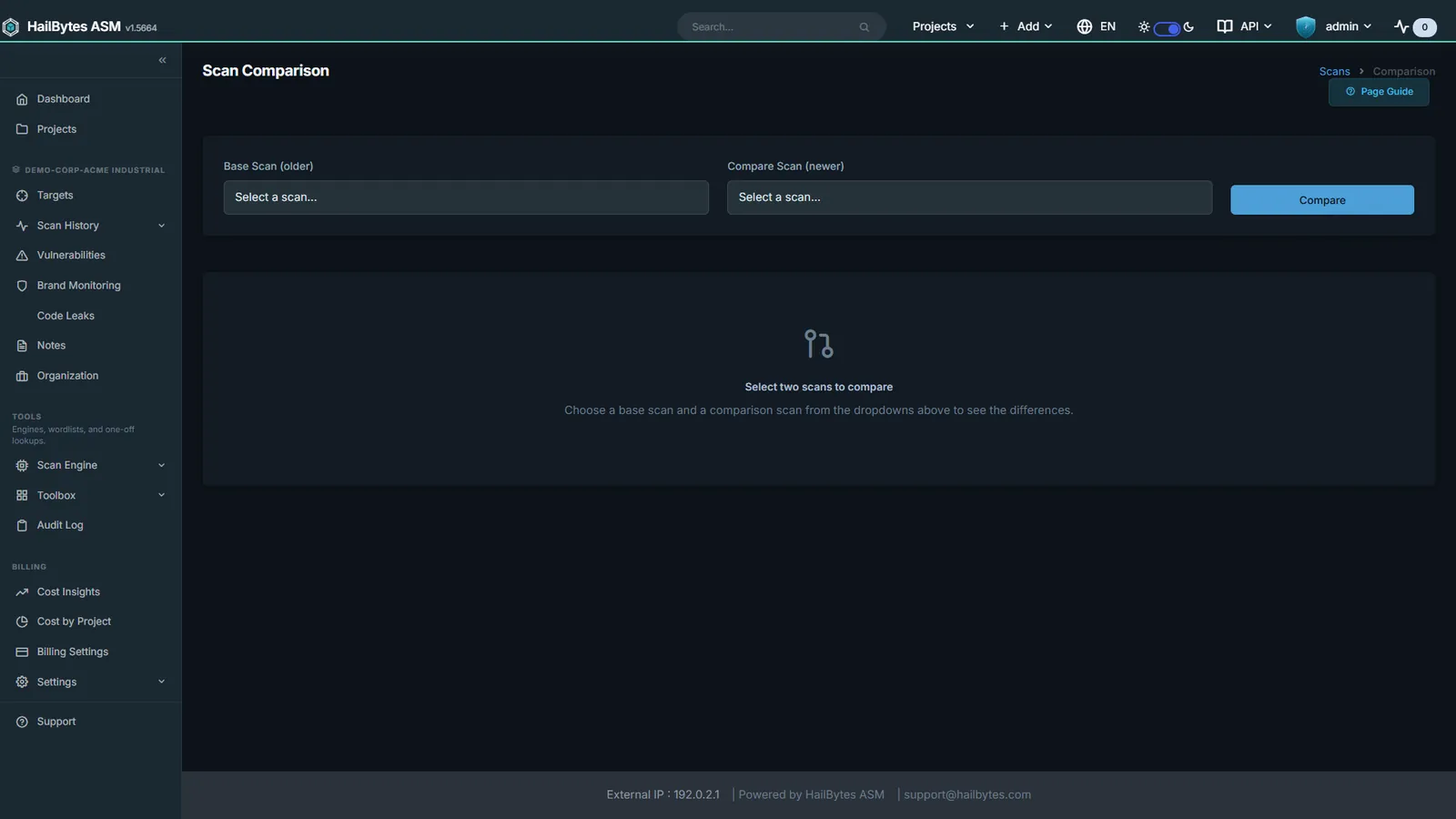
Scan Health
Live worker queue depth, scheduled-task health, and tool arsenal status.
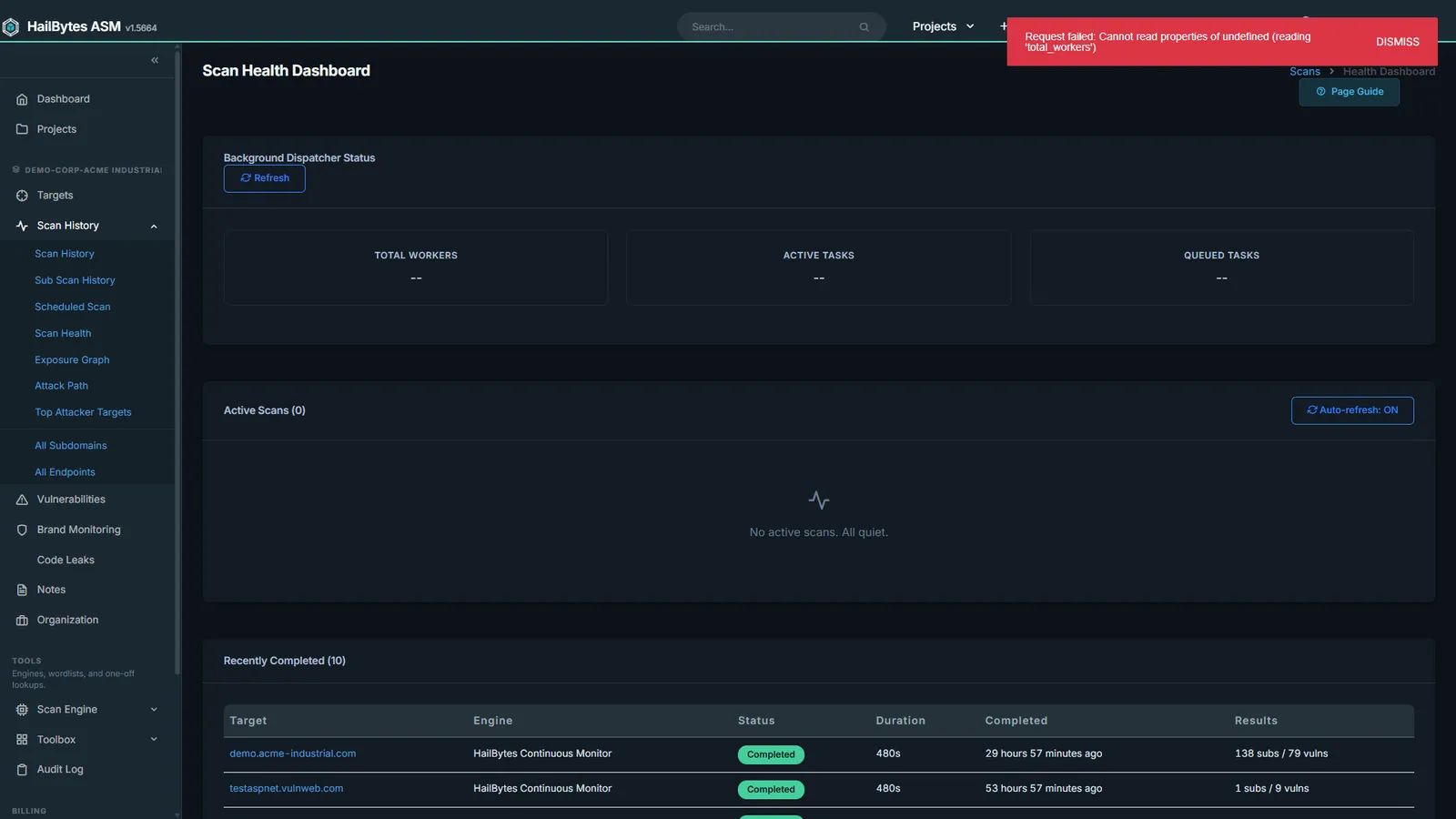
Continuous Monitoring
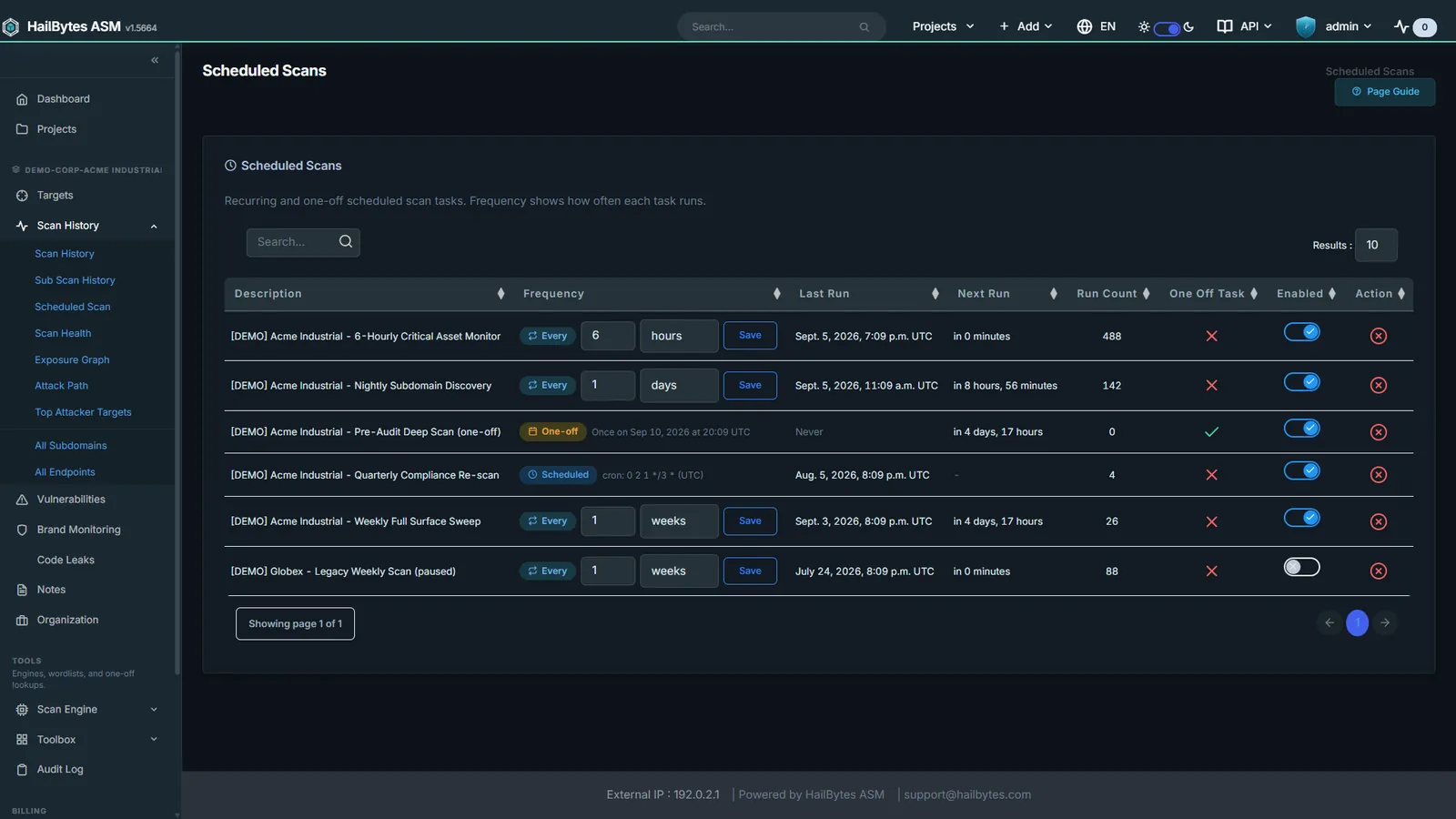
Recurring schedules per target and per tenant; set once, watch always.
Scan Engines
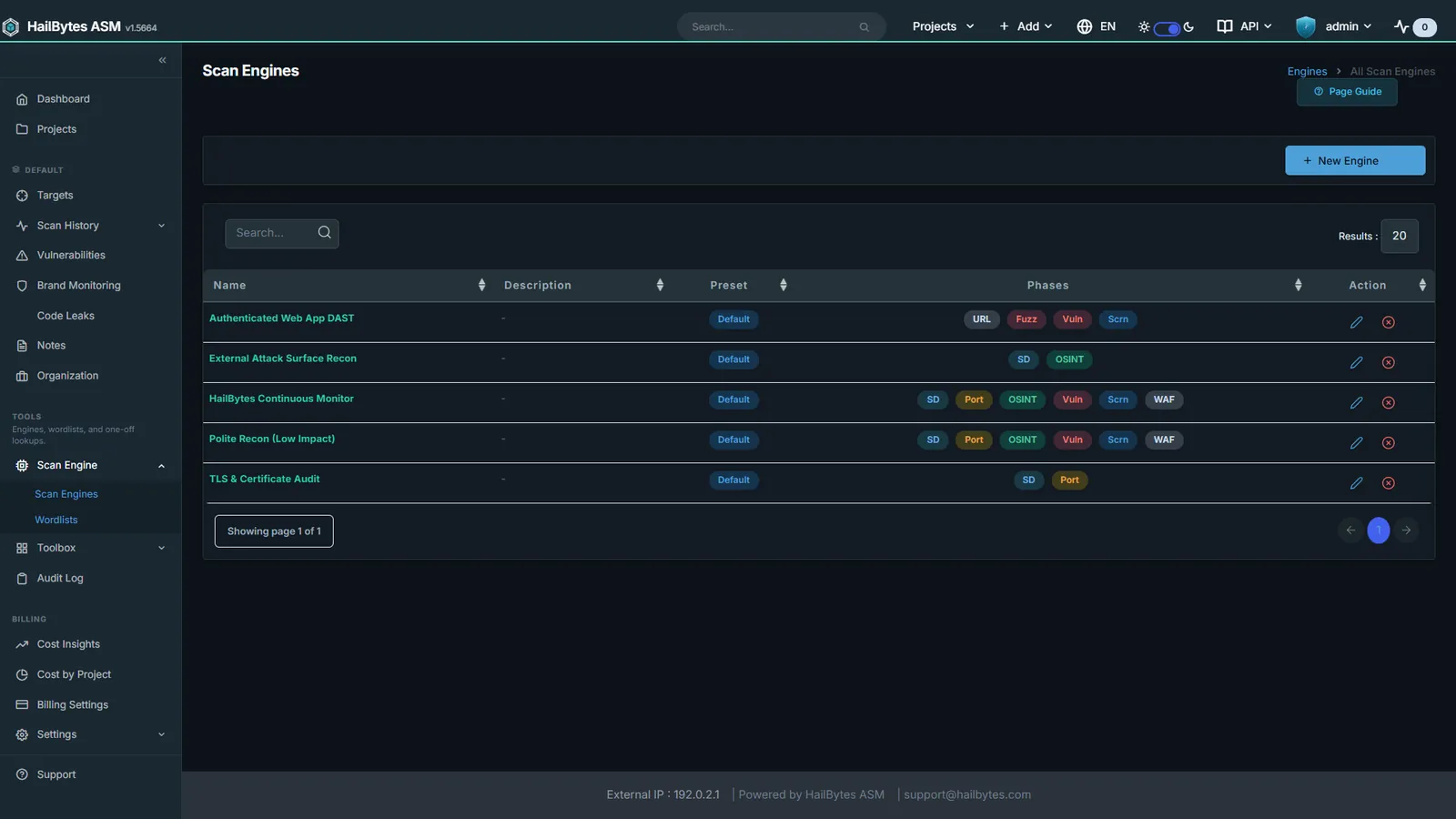
A scan engine is the recipe: which of the 30+ tools run, in what order, at what intensity. Start from a preset, use the guided wizard, or write the YAML directly.
Scan Engine Library
Pre-built engine presets, including the Industrial / ICS profile.
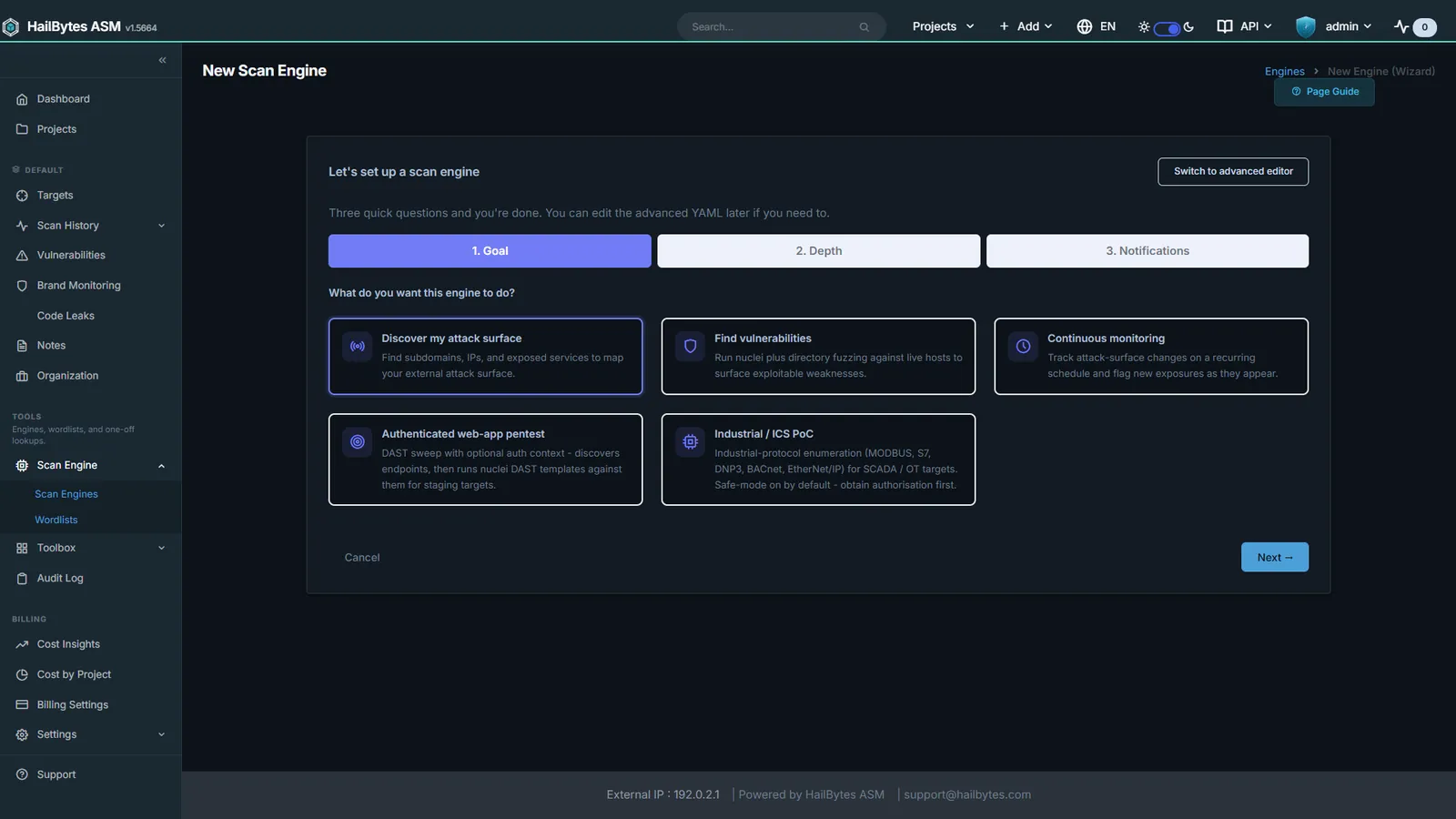
Scan Engine Wizard
Guided goal, depth, and notification flow. No YAML required.
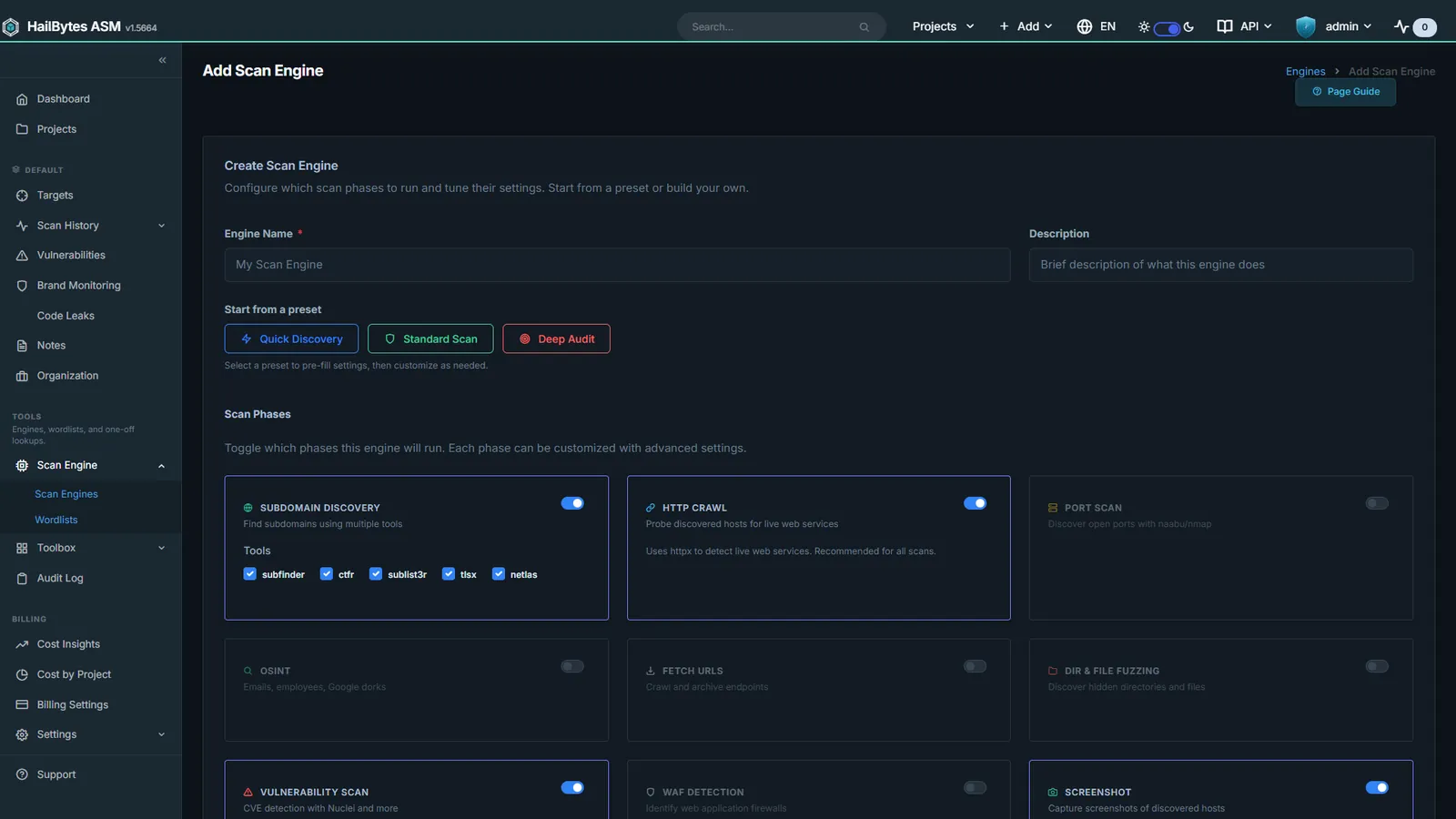
Engine YAML Editor
Full control over which tools run, in what order, at what intensity.
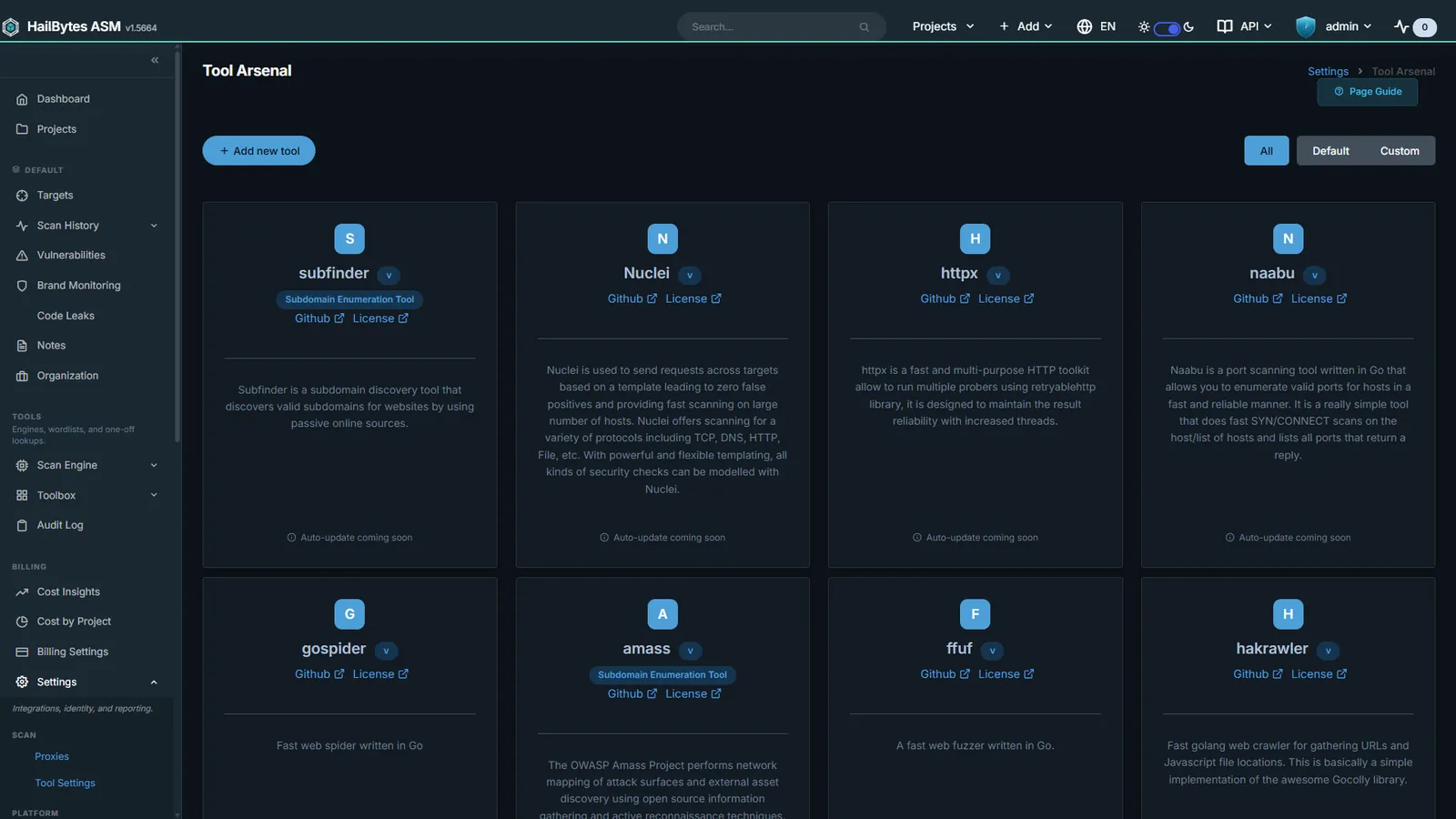
Tool Arsenal
30+ reconnaissance tools with per-tool version and update state.
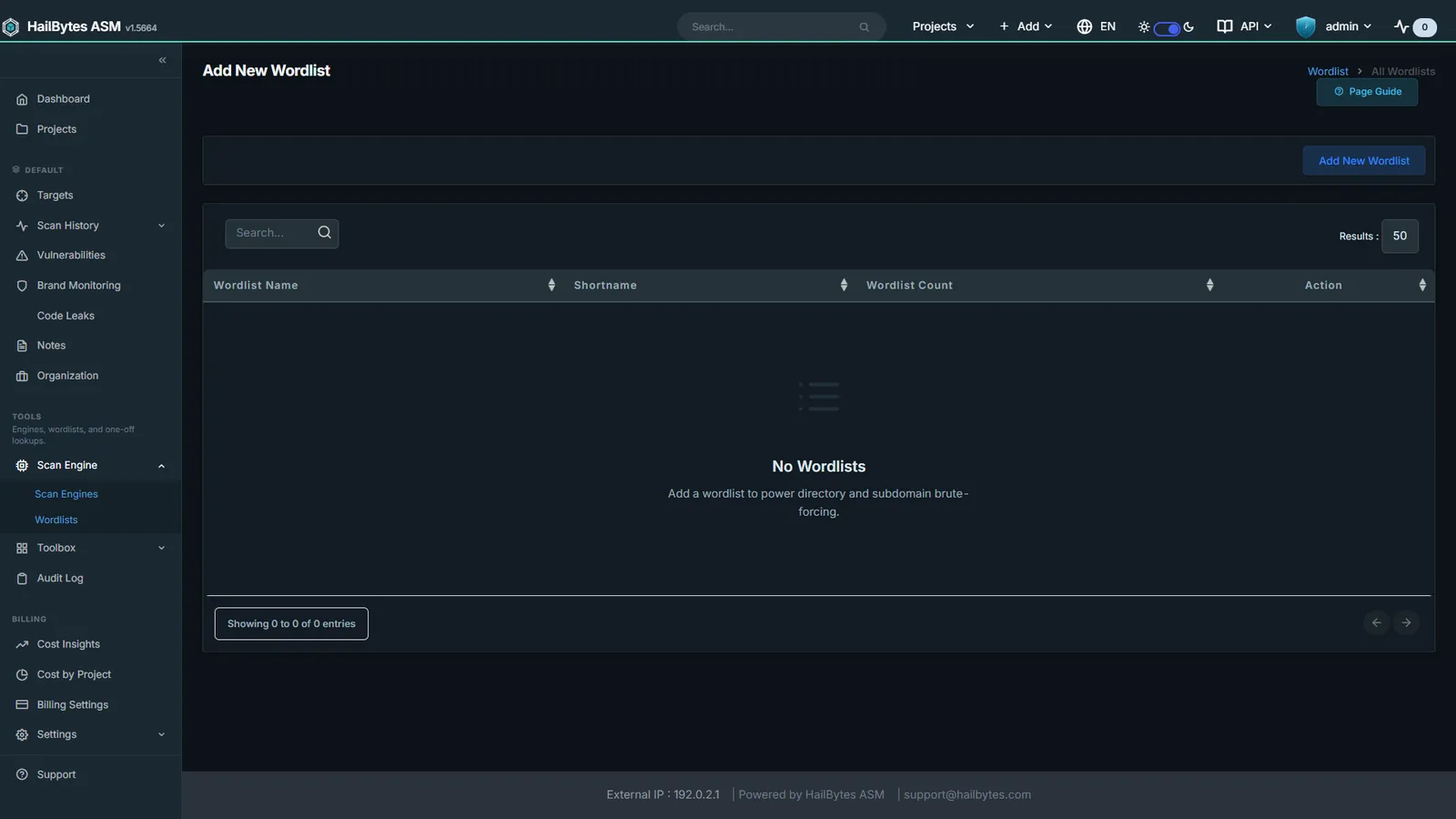
Wordlist Management
Upload and manage the wordlists driving fuzzing and brute-force phases.
Findings and Triage
Findings are deduplicated across runs, scored by severity, and tracked against per-severity SLA clocks, so repeat noise never buries the one that matters.
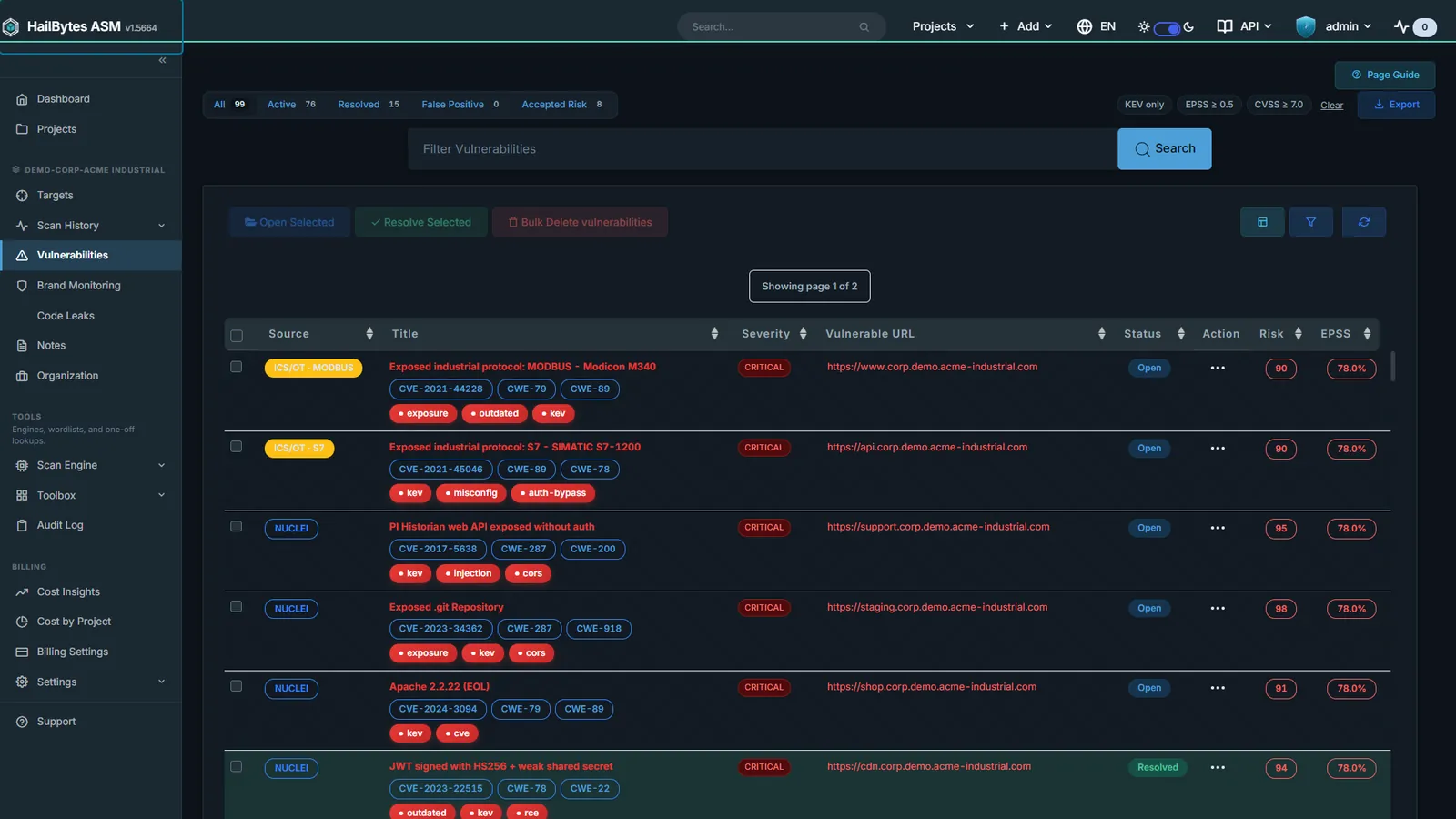
Vulnerability Inventory
Severity-ranked, deduplicated findings with status subtabs.
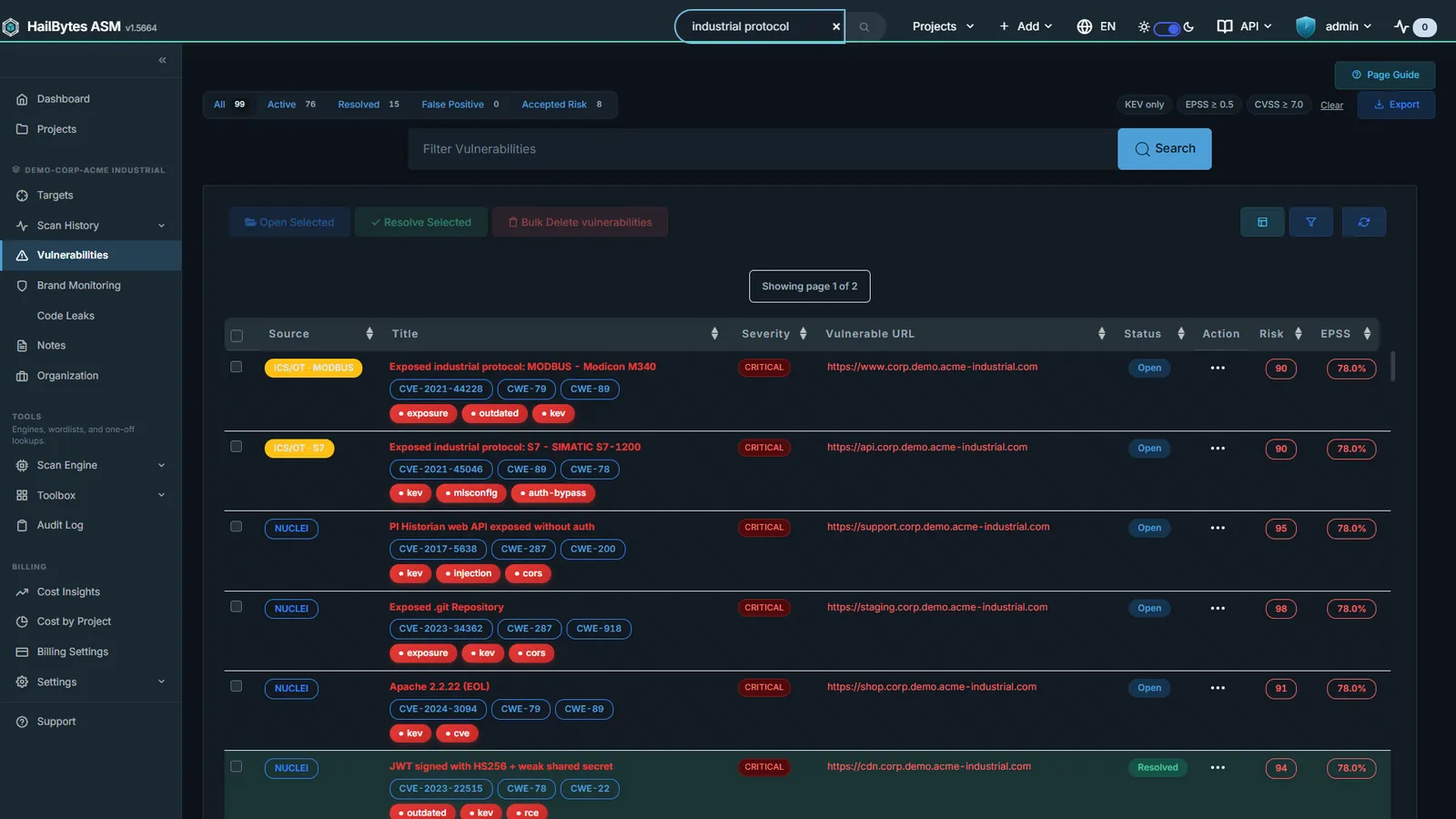
ICS / OT Exposure
MODBUS, S7, DNP3, and BACnet as first-class, vendor-fingerprinted findings.
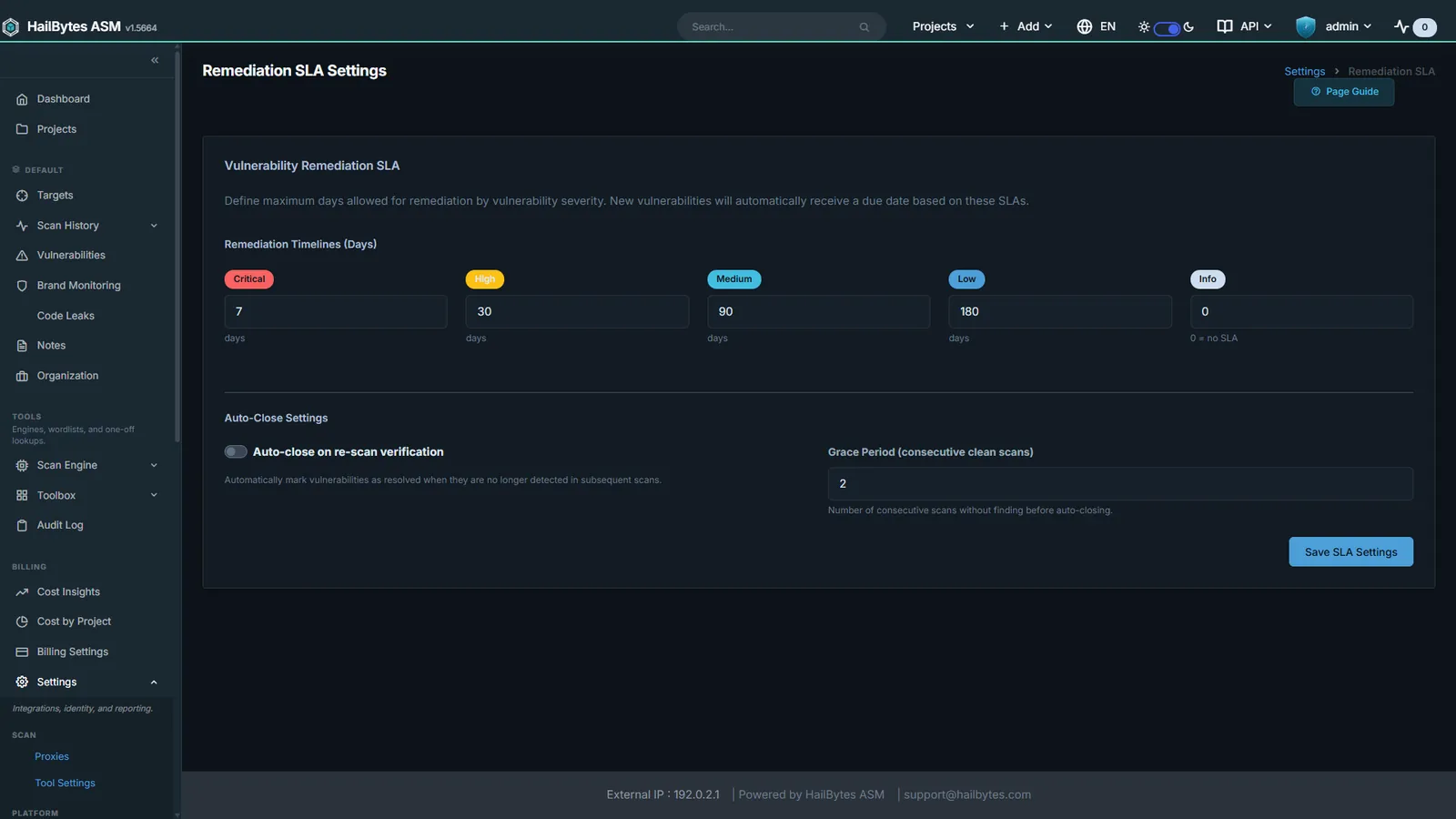
Remediation SLAs
Per-severity SLA clocks; overdue findings flagged for QBR reporting.
Prioritisation
A list of findings sorted by CVSS is not a plan. These views answer a different question: what is actually reachable, what does it connect to, and what would an attacker go for first.
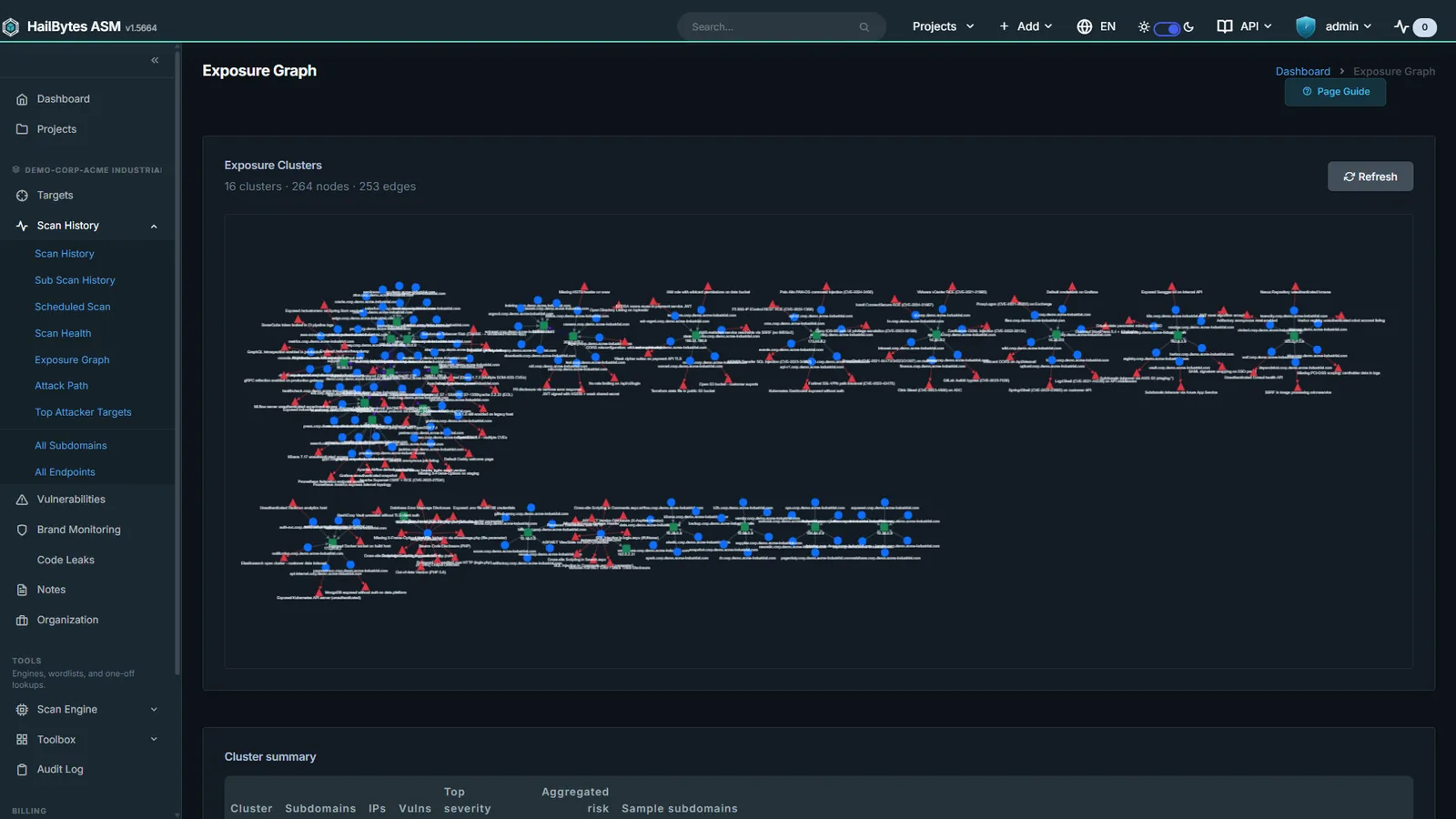
Exposure Graph
Every asset and how it connects: one picture of the real blast radius.
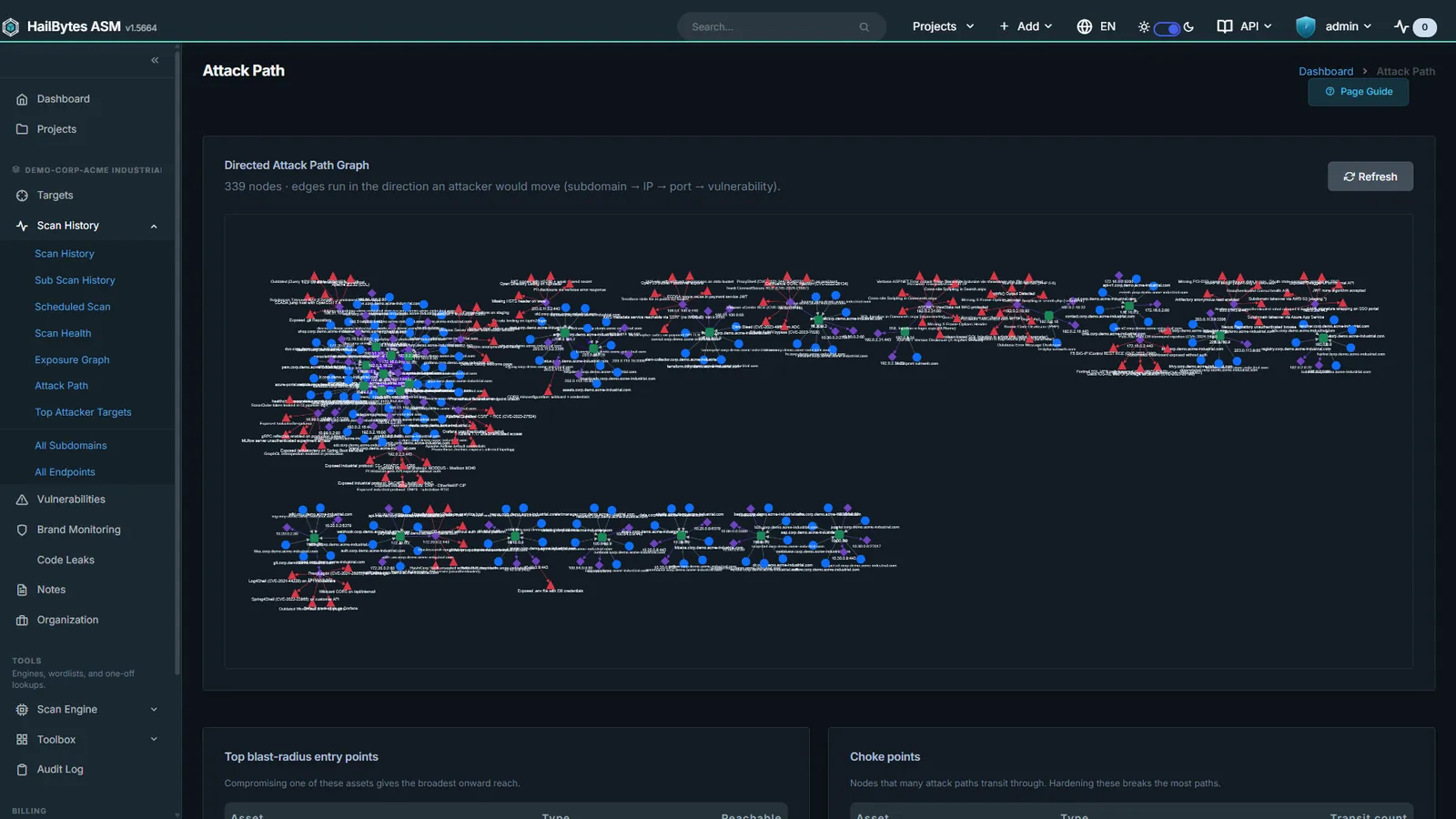
Attack Path Analysis
Traces the chain from exposed edge to crown jewels before an adversary does.
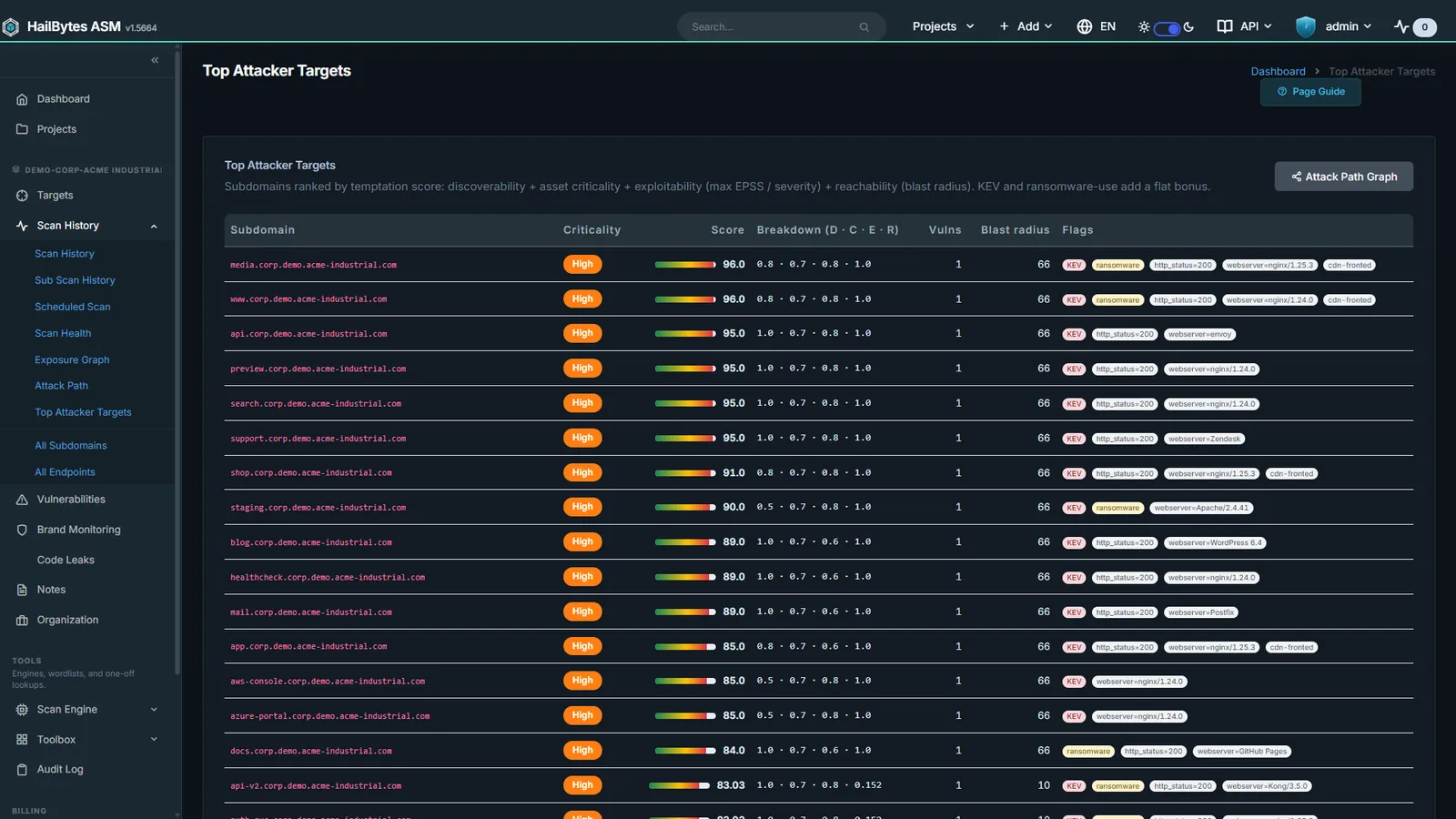
Attacker Temptation Scoring
Ranks assets by attacker attractiveness, not just finding volume.
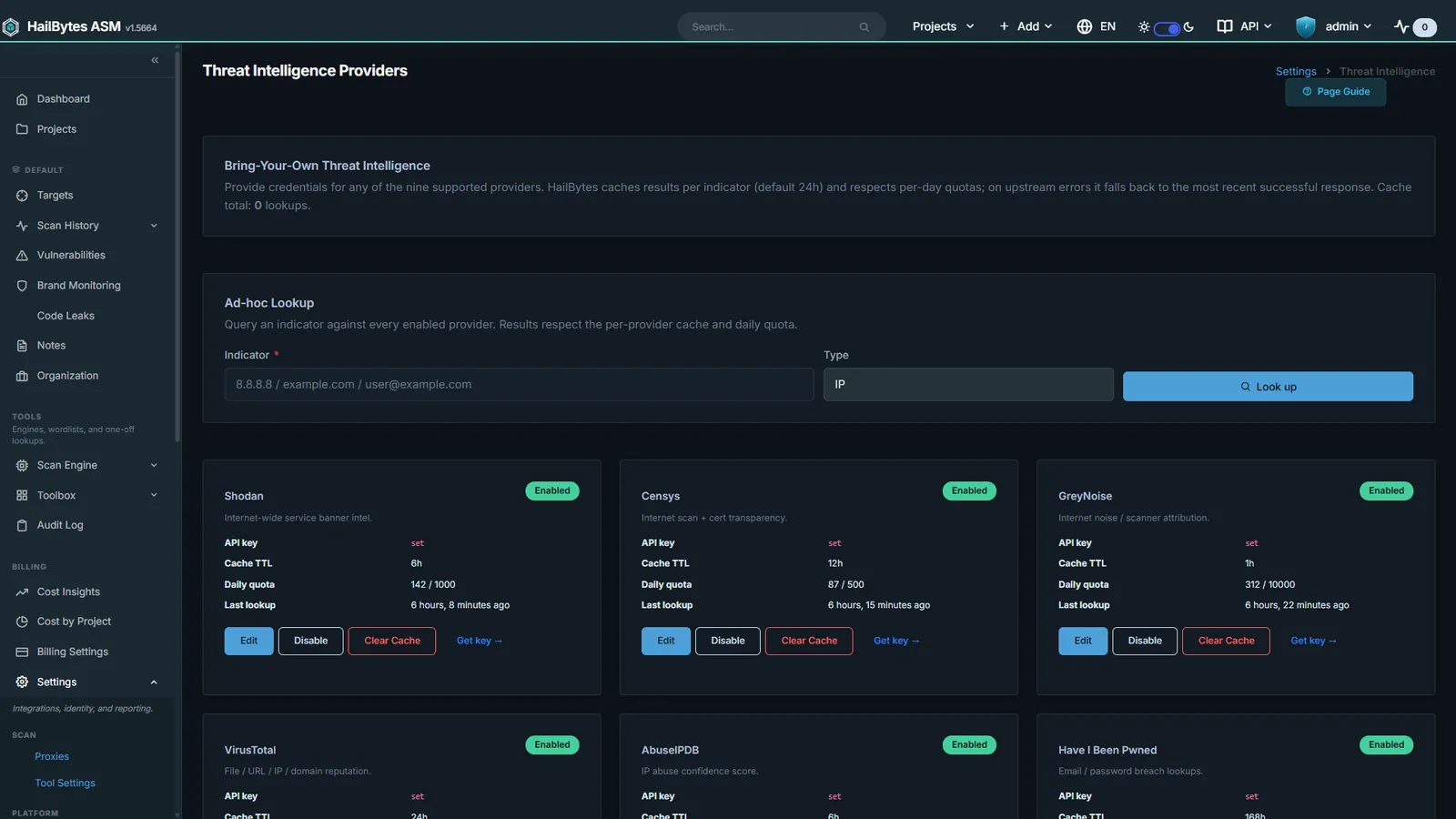
Threat Intel Providers
Bring your own Shodan, Censys, VirusTotal, GreyNoise, MISP, and OpenCTI keys.
Integrations
Findings are only useful where your team already works. ASM fans out to SIEMs, ticketing, chat, and threat intel, and speaks SCIM, SAML, and TAXII for the enterprise plumbing around it.
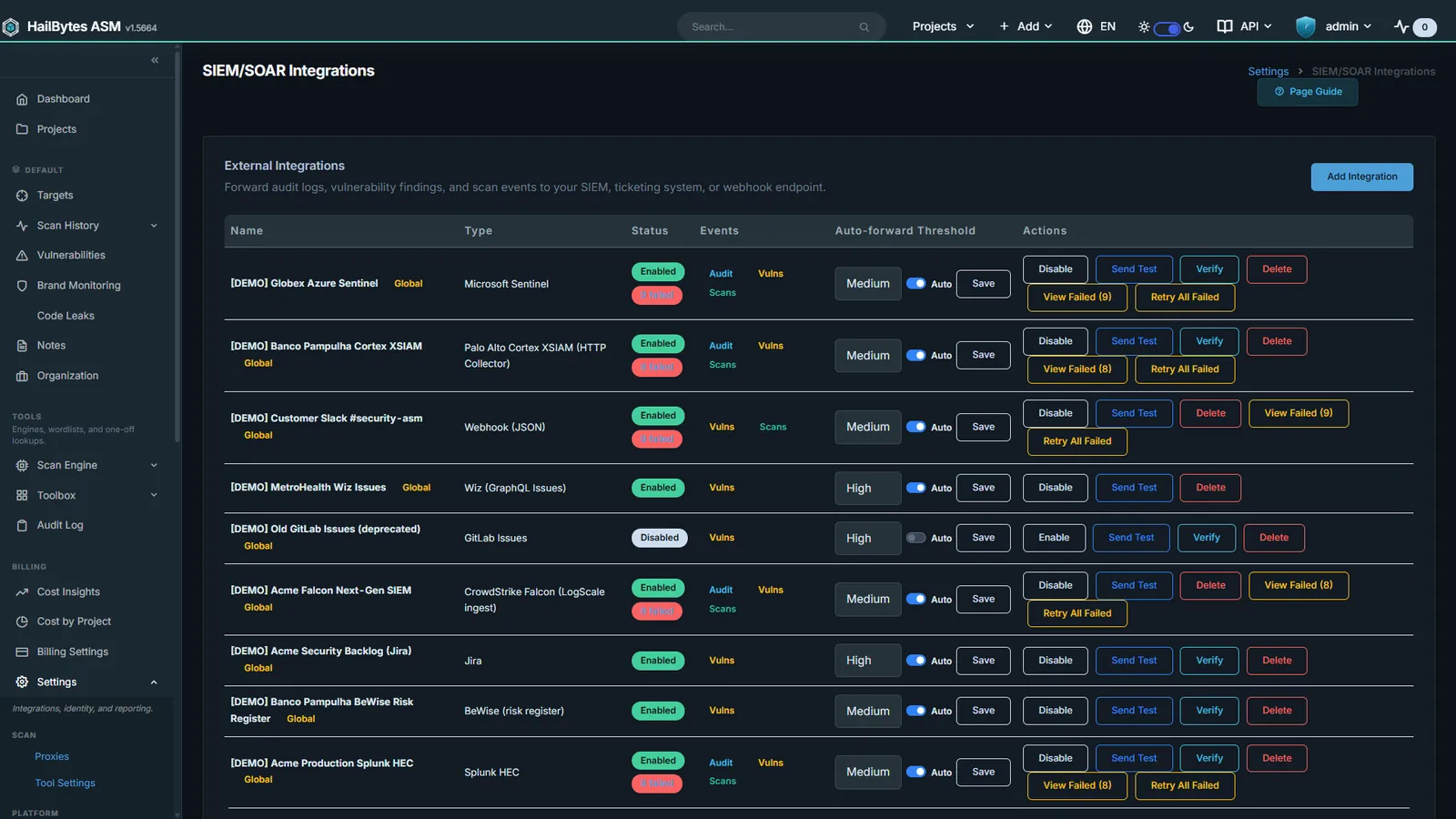
SIEM and Ticketing Fan-out
Splunk, Sentinel, syslog CEF, Jira, ServiceNow, GitHub, GitLab, BeWise.
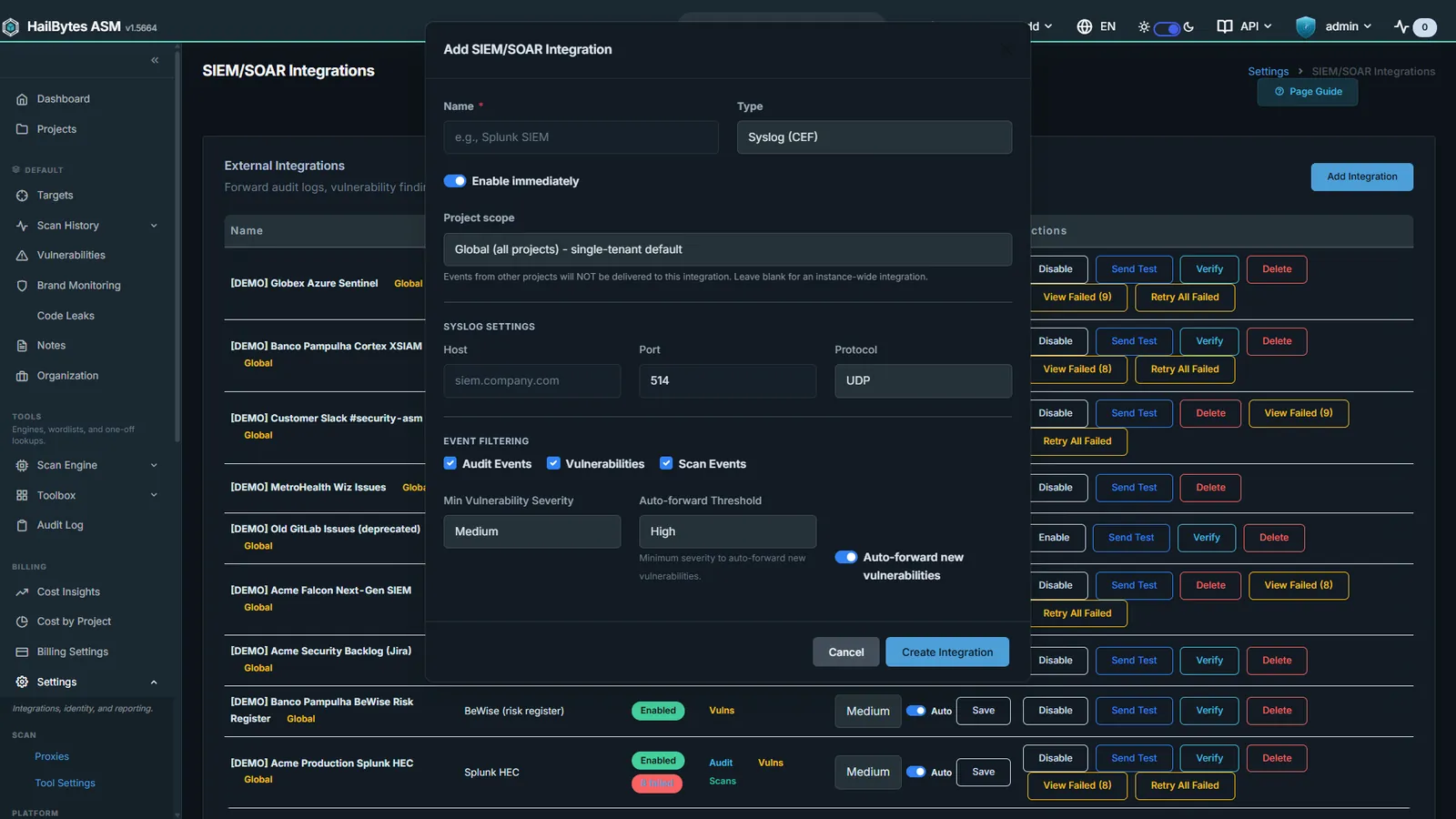
Add SIEM Integration
Destination picker, severity floor, and category toggles in one form.
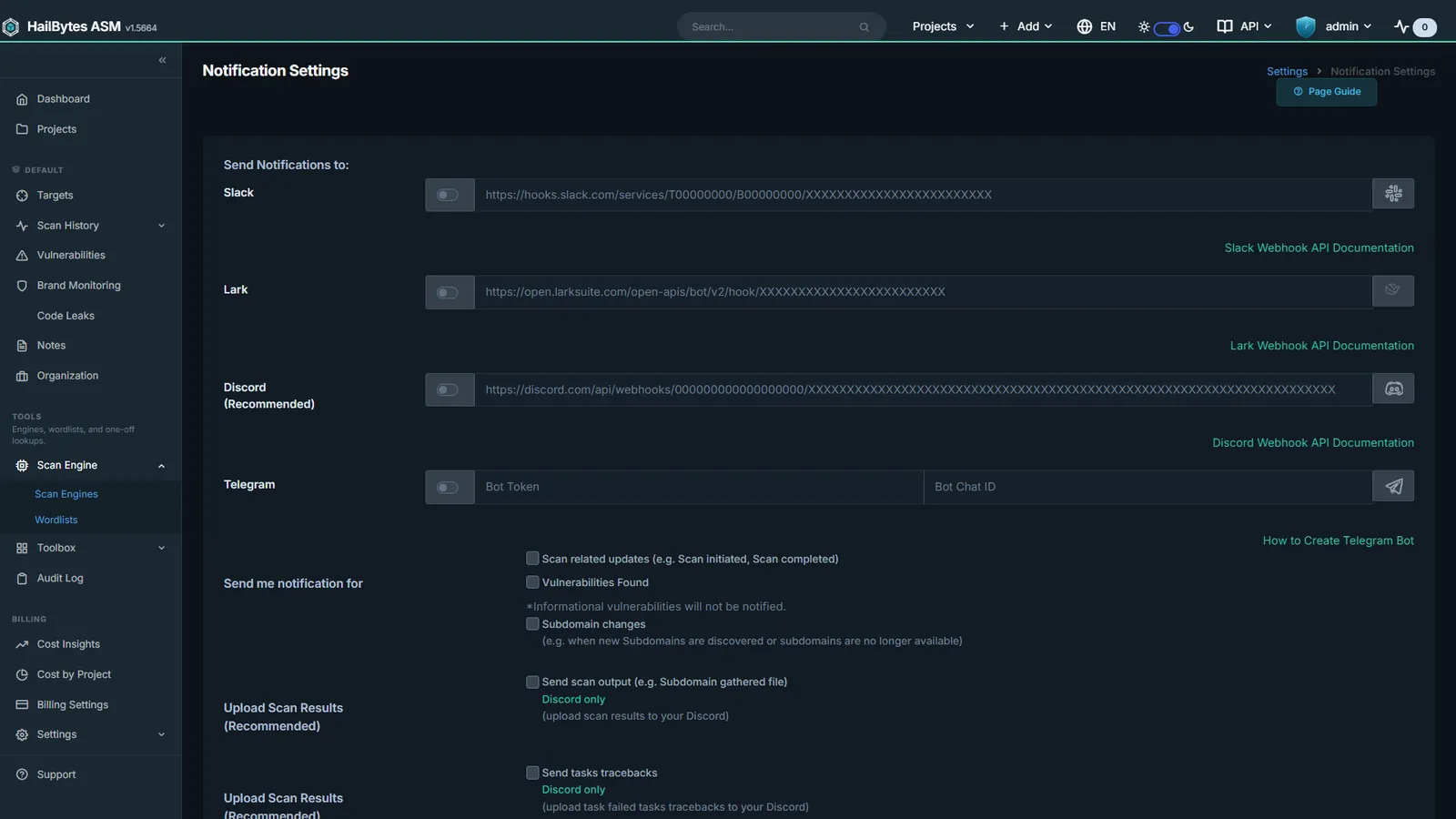
Notification Channels
Slack, Discord, Telegram, Teams, Lark, PagerDuty, and Opsgenie.
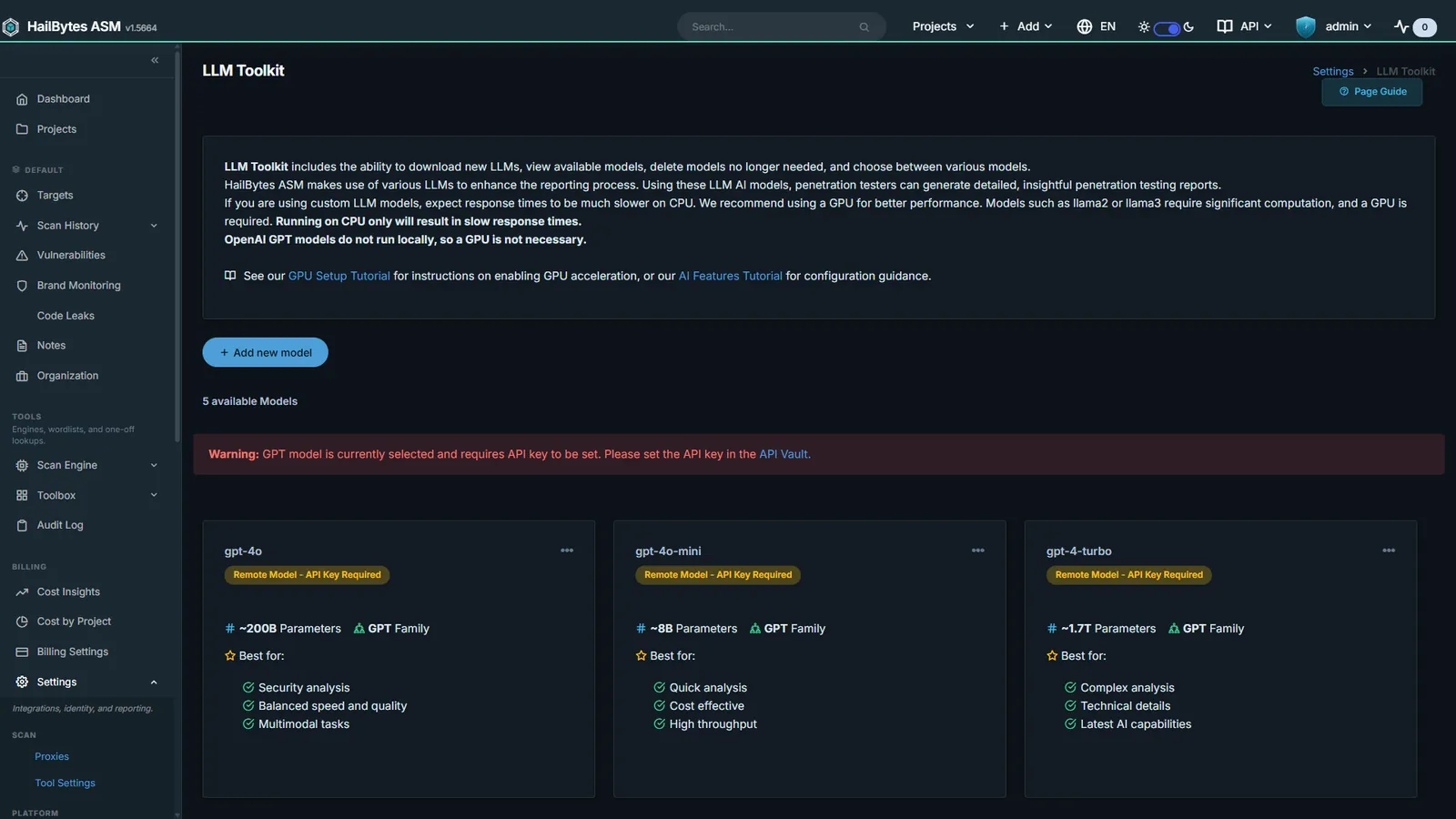
AI / LLM Toolkit
OpenAI, Ollama, and OpenRouter for finding triage and remediation copy.
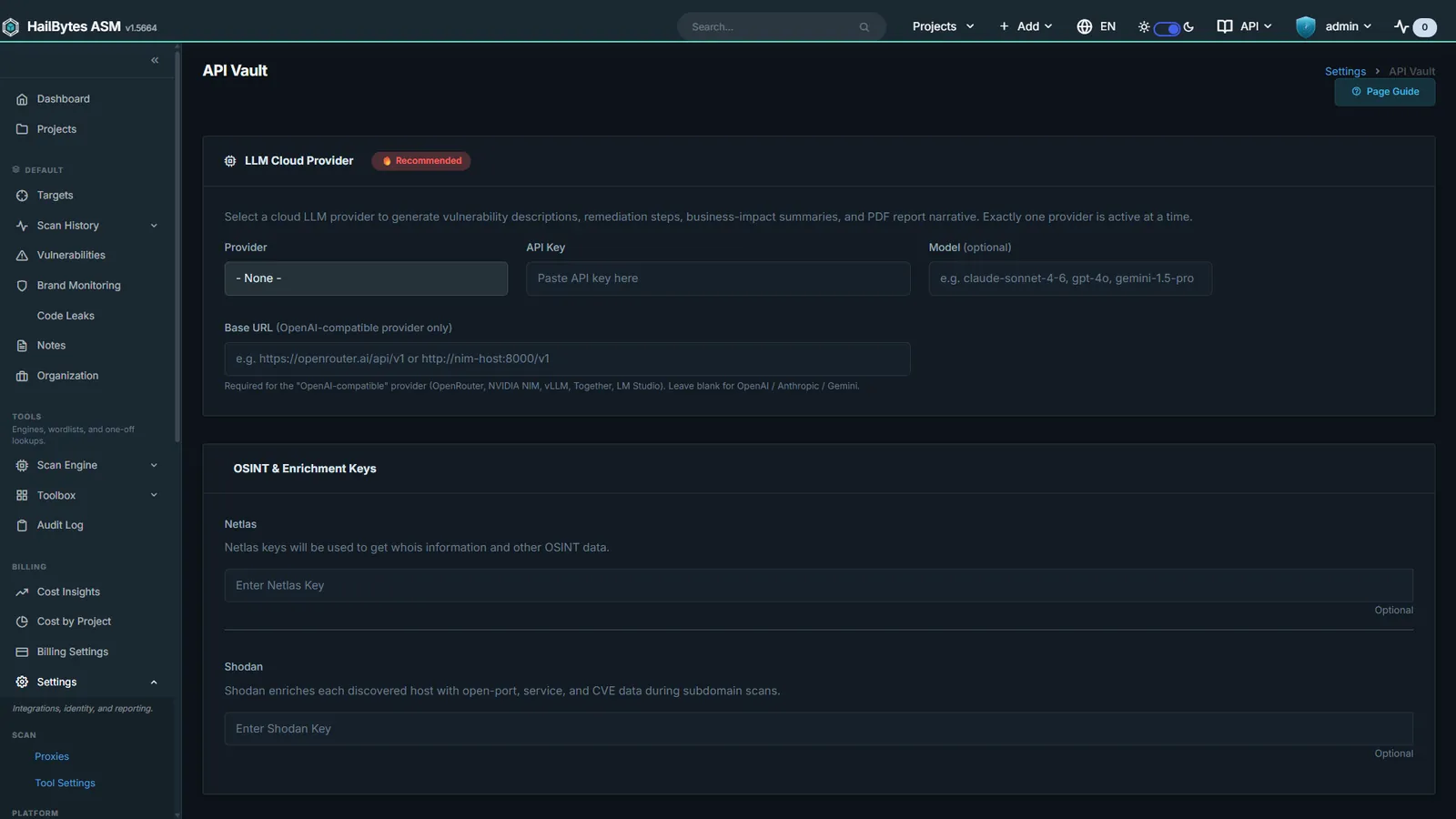
API Vault
Third-party keys resolved through Vault, Azure Key Vault, or AWS Secrets Manager.
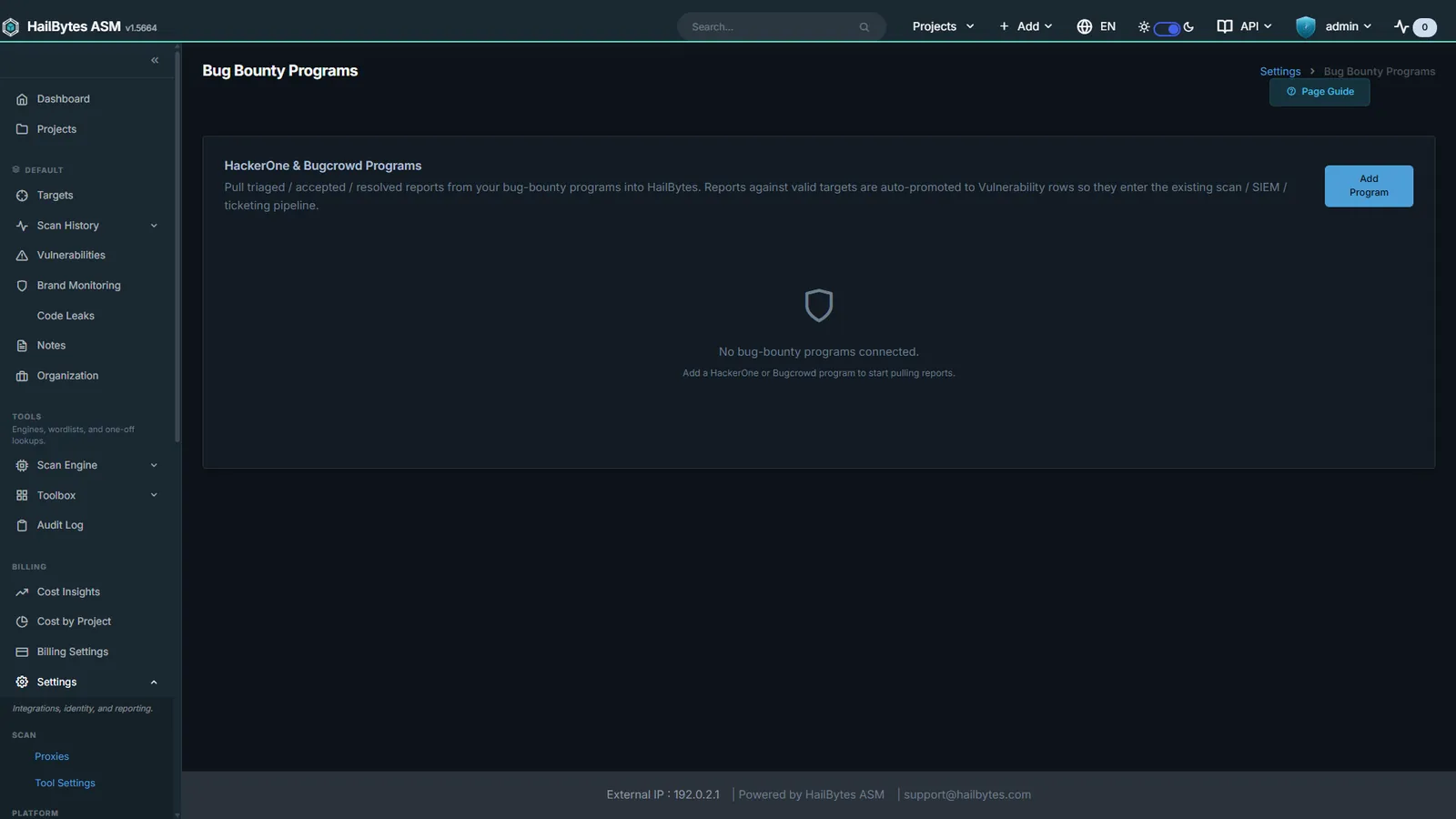
Bug Bounty Ingestion
HackerOne and Bugcrowd reports promoted to tracked vulnerabilities.
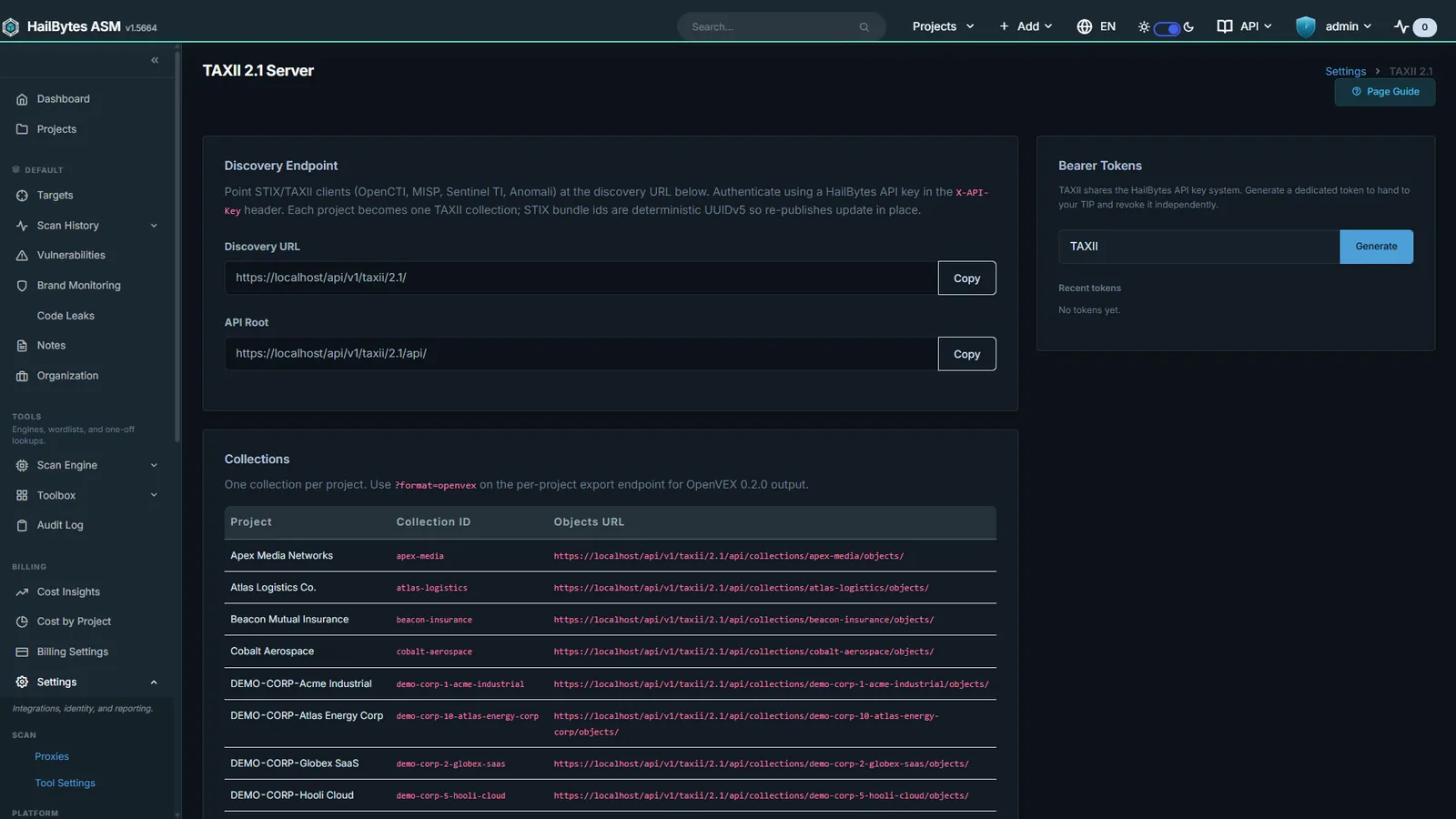
STIX / TAXII Server
Findings published as a TAXII 2.1 collection, with OpenVEX export.
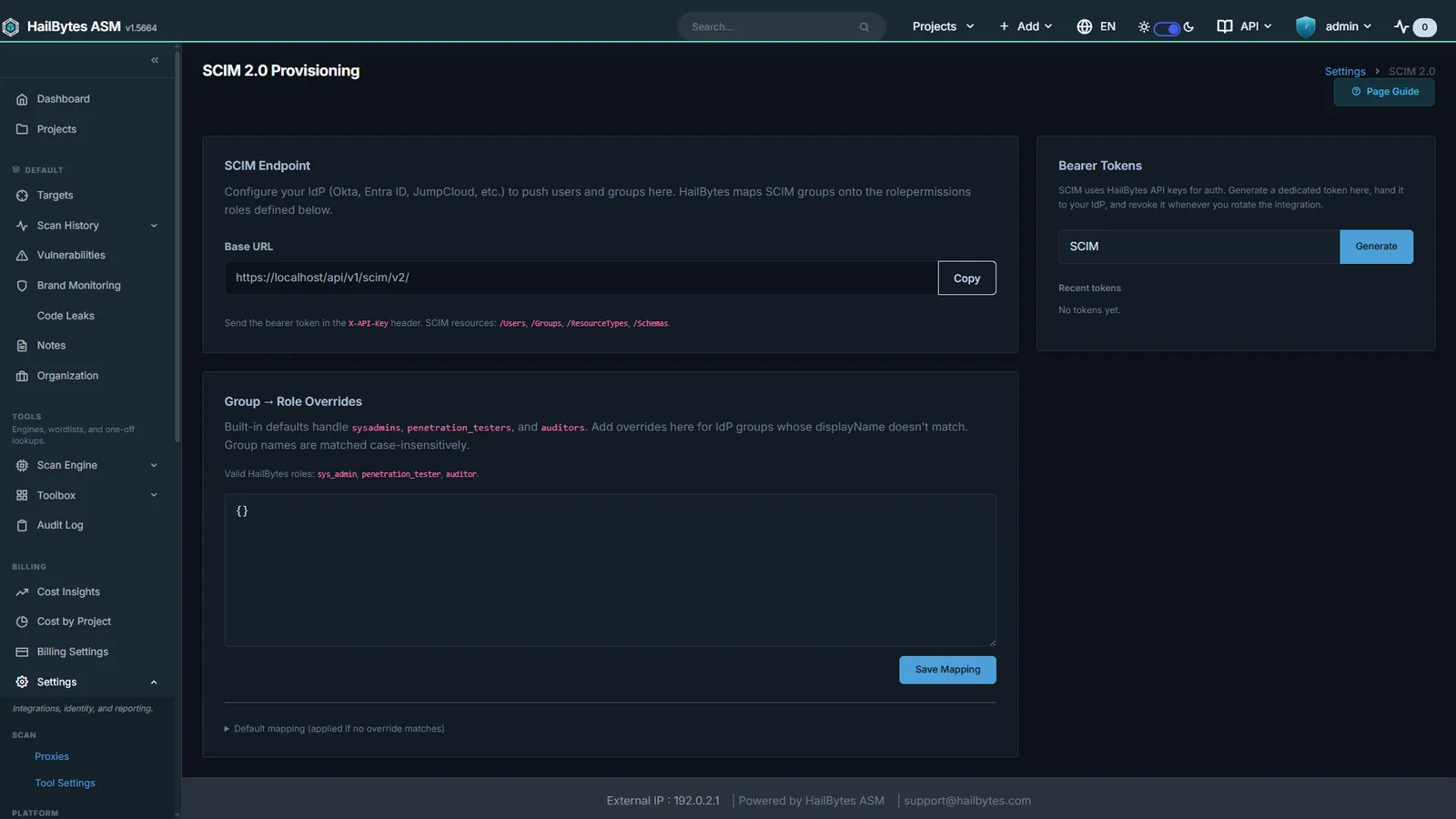
SCIM 2.0 Provisioning
IdP-driven user and group provisioning mapped onto ASM roles.
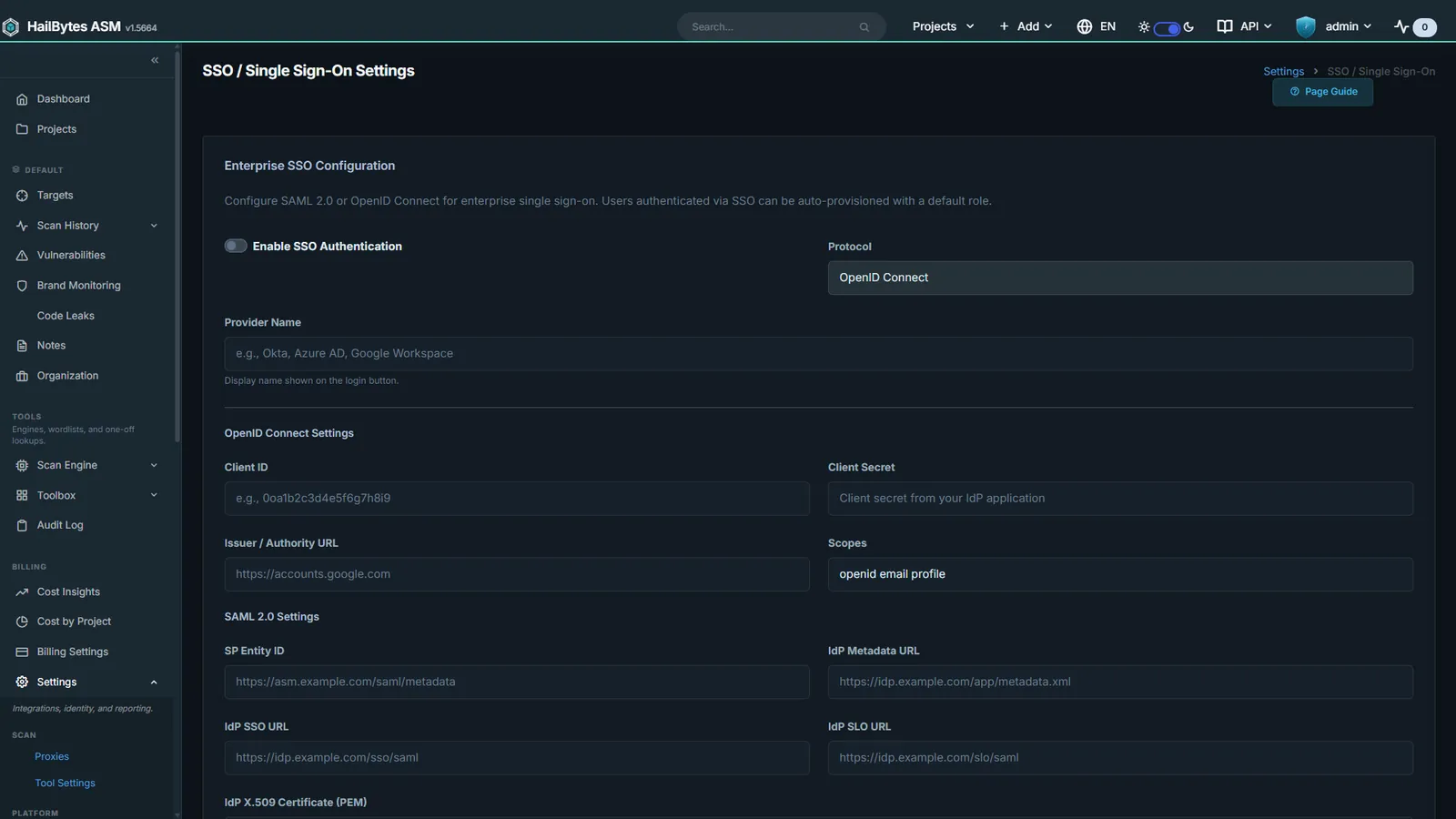
SSO and SAML
Enterprise identity federation alongside LDAP / Active Directory bind.
Reporting
Client-grade PDF reports, white-labelled to your brand, generated per scan or on a recurring schedule.
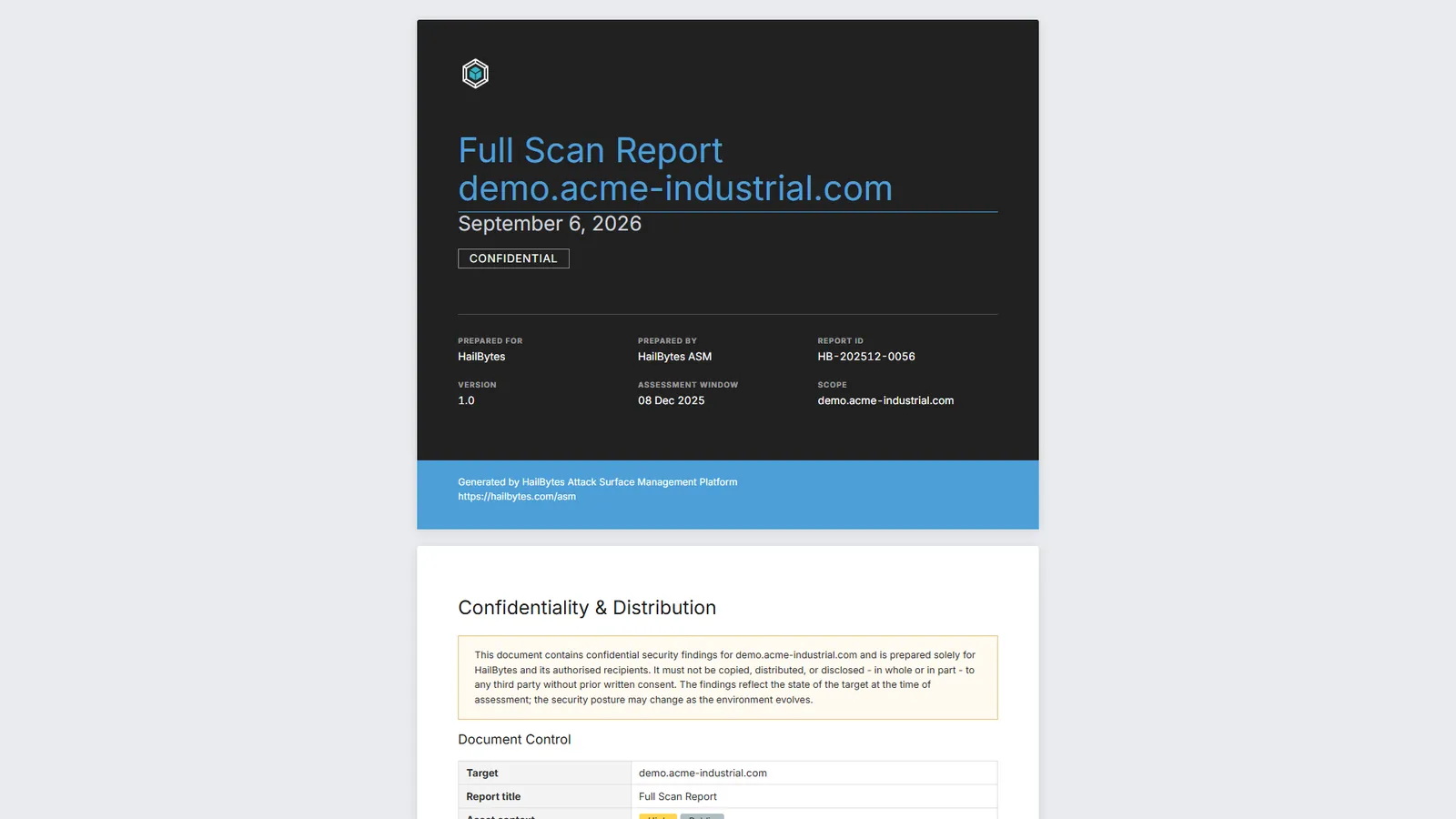
Scan Report
Client-grade pentest report with asset change summary and screenshot gallery.
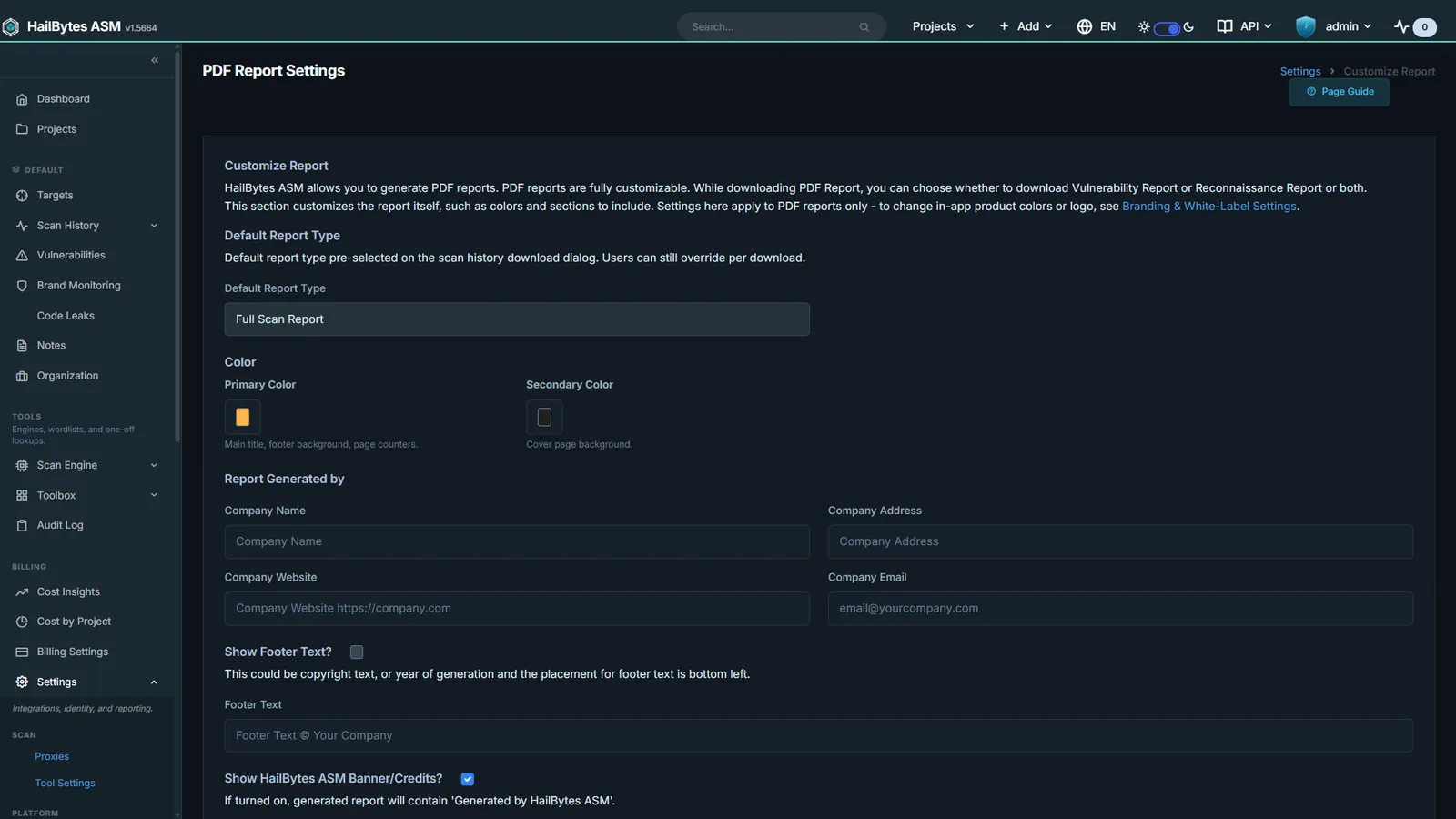
Report Branding
White-label the PDF: logo, colours, footer, and company details.
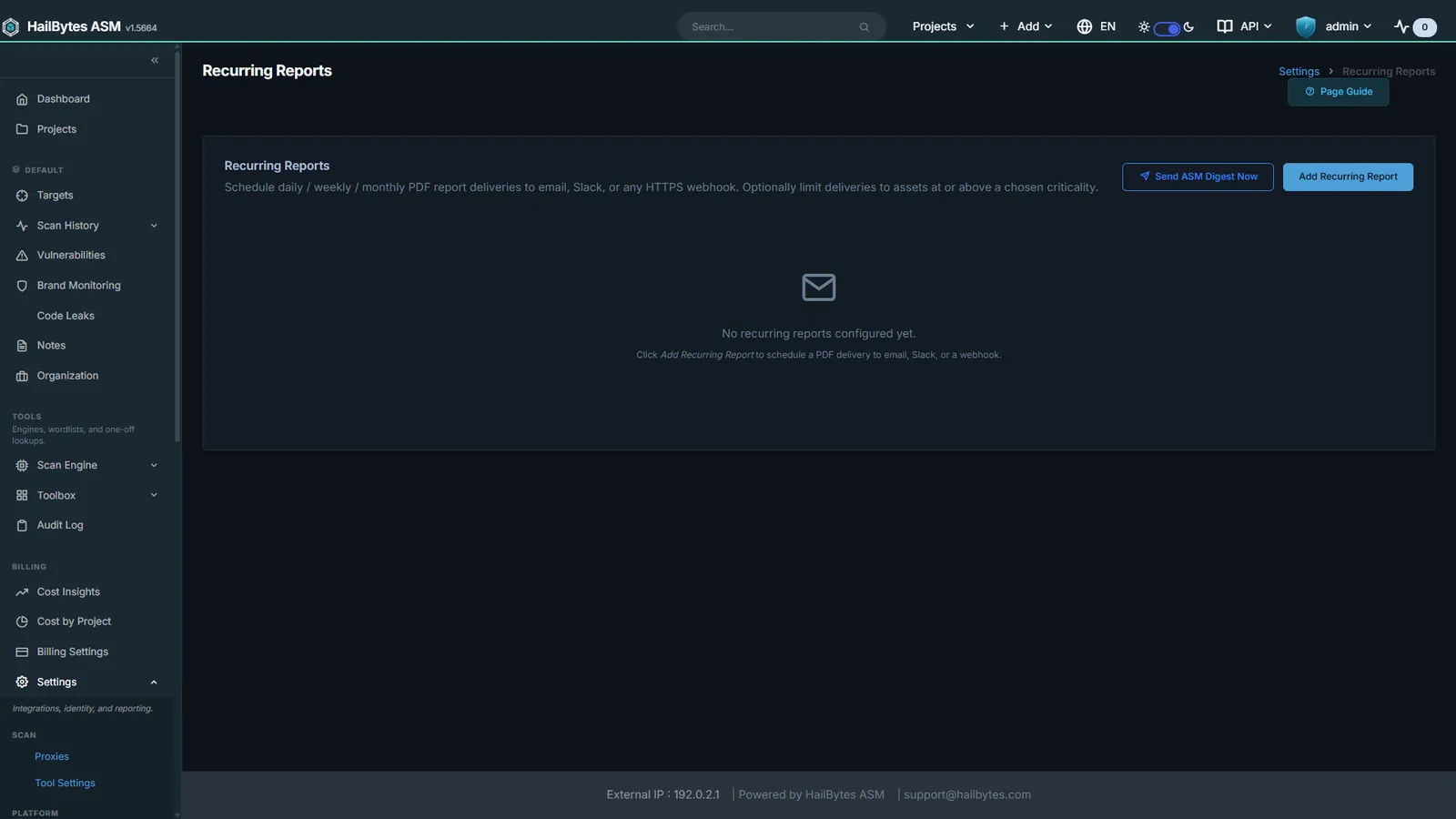
Scheduled Reports
Recurring PDF delivery plus the daily ASM change digest.
Compliance
Findings mapped to the frameworks your auditor asks about, plus the audit trail that proves who changed what.
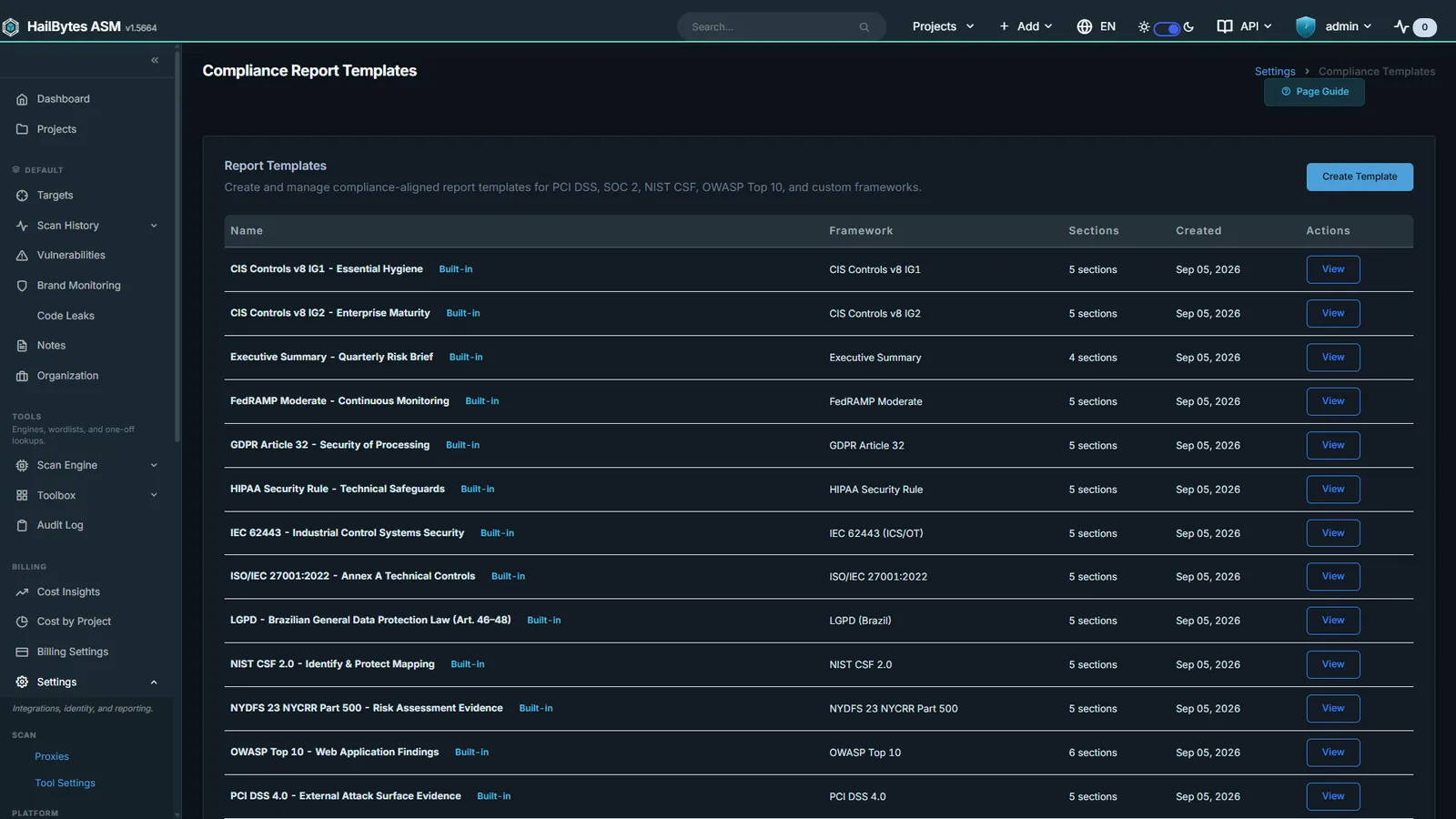
Compliance Templates
PCI DSS, NIST CSF, ISO 27001, HIPAA, and SOC 2 control mappings.
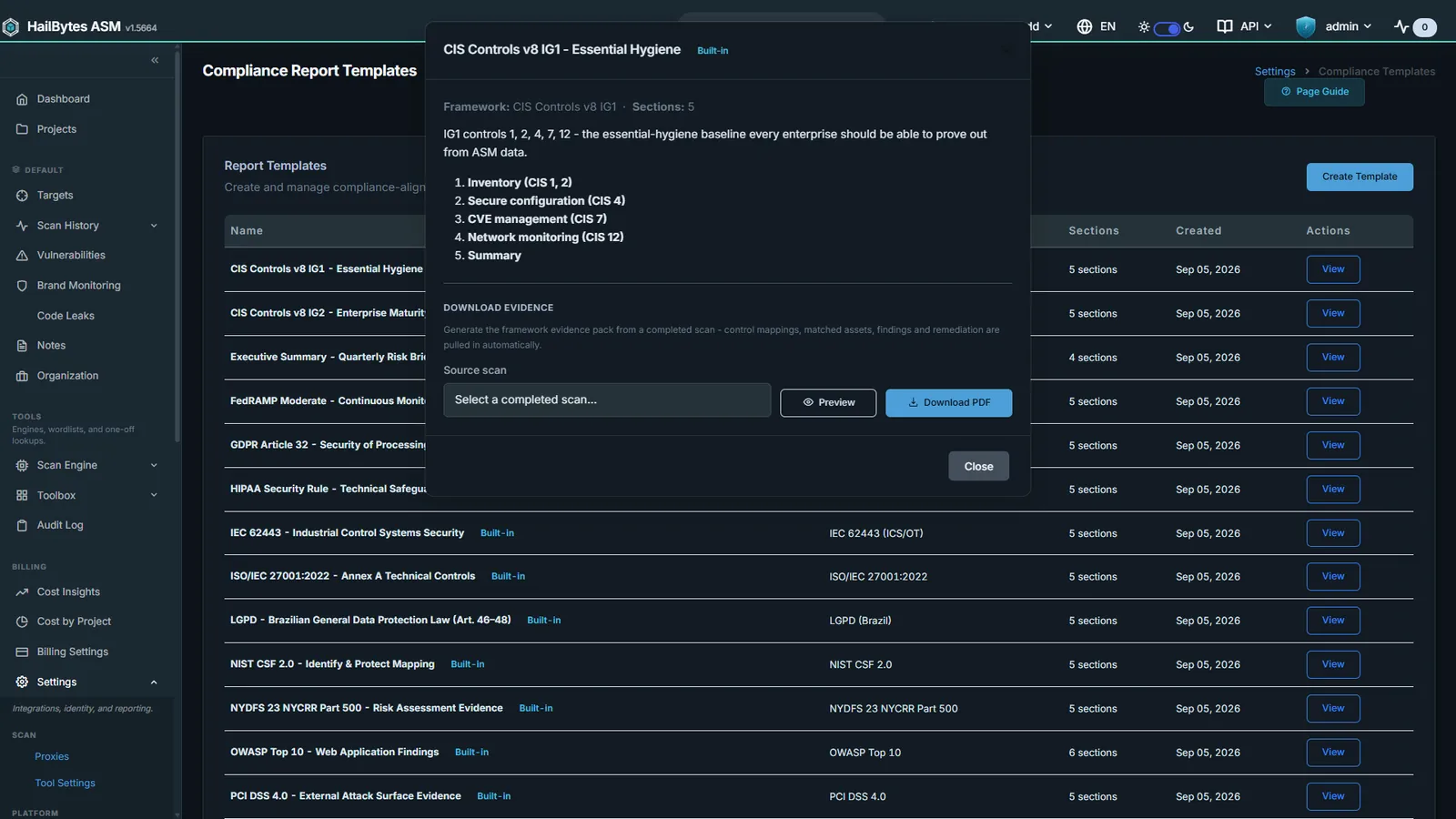
Compliance Control Breakdown
Per-section control evidence generated from live findings.
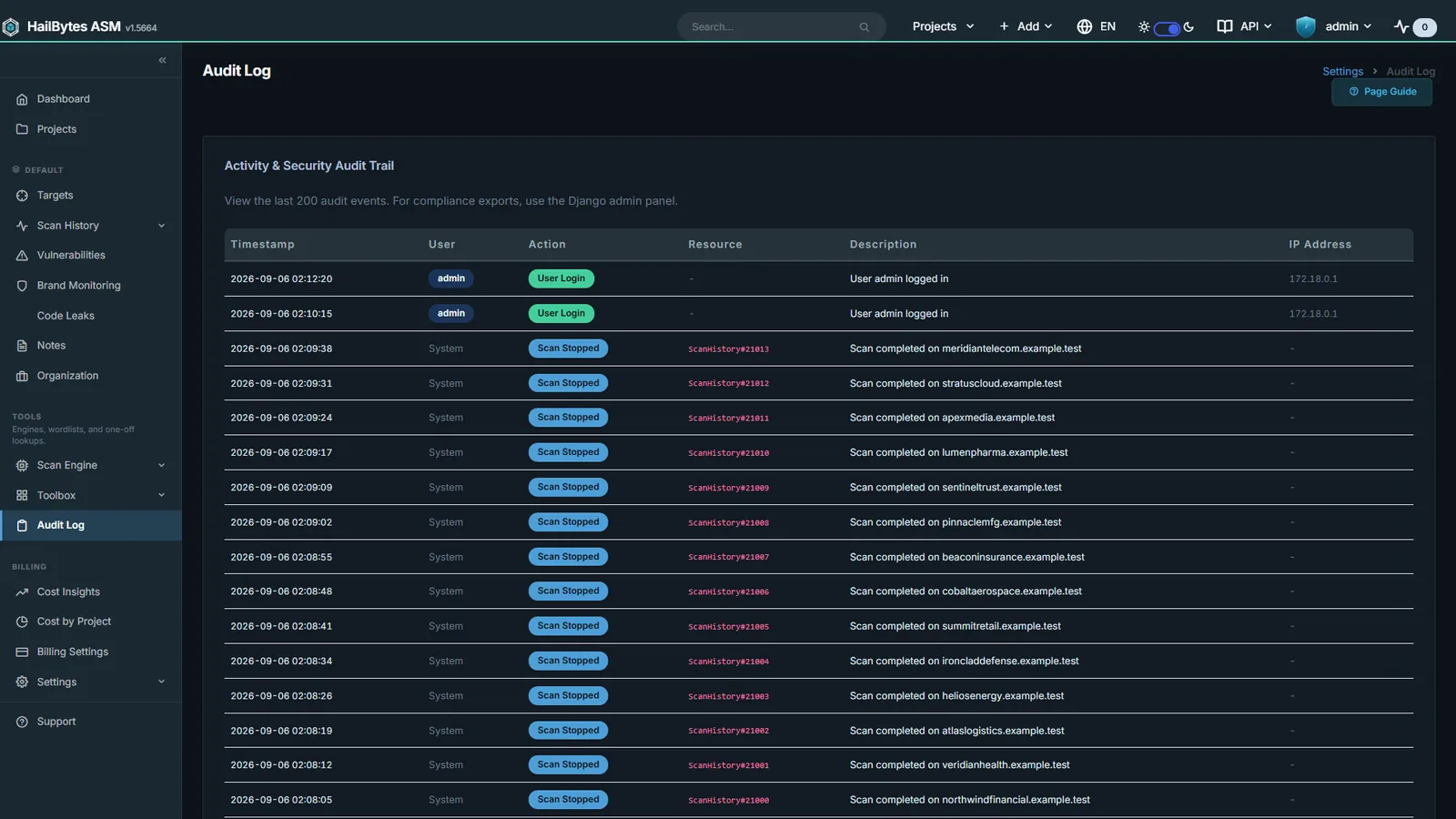
Audit Log
Every config change captured: SOC 2 and ISO 27001 evidence, exportable per tenant.
Operations
Everything needed to run ASM as a service: cost attribution per client, role-based access, certificate management, and white-label branding.
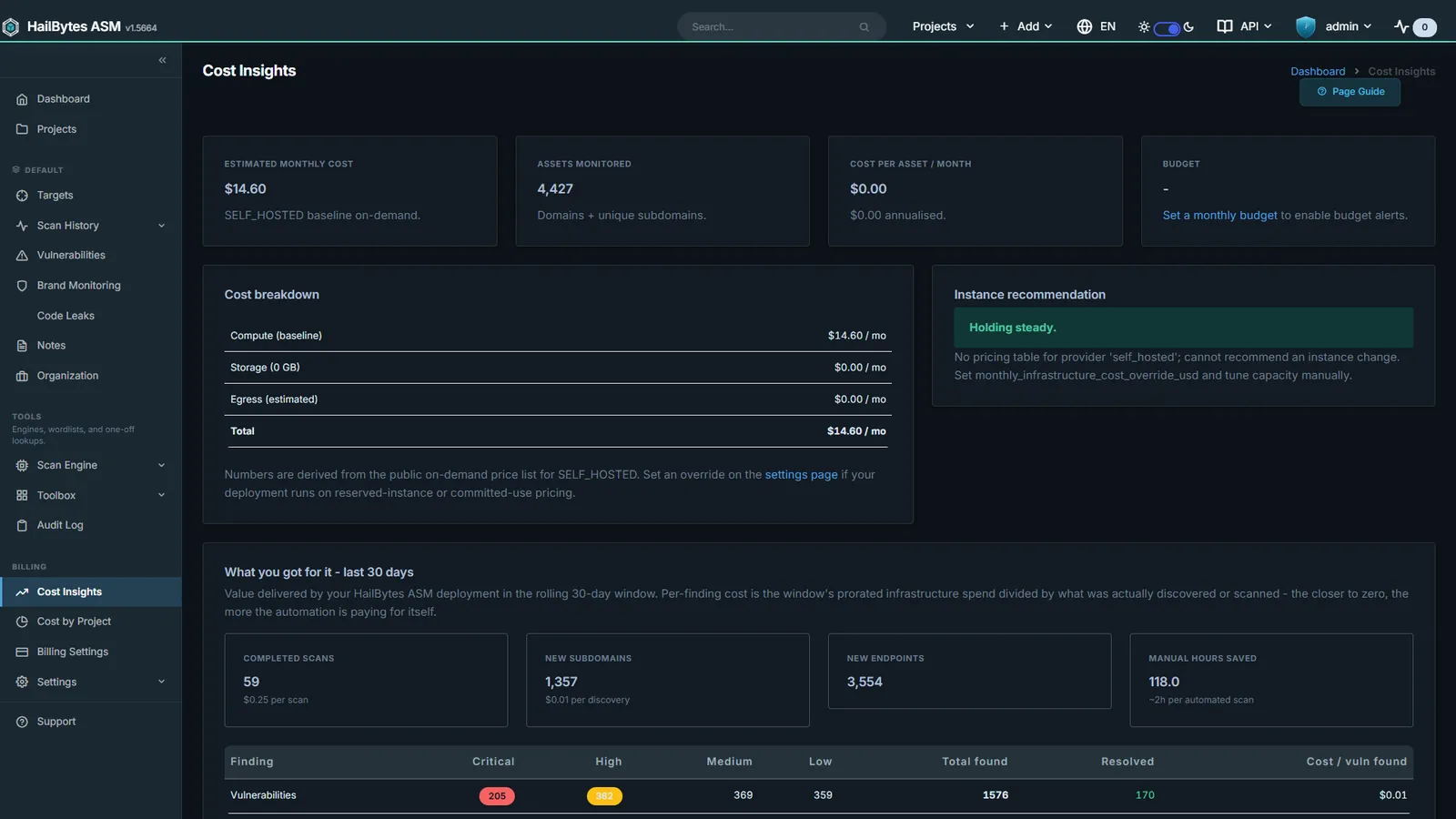
Billing Insights
Per-project scan spend rollup with CSV export for client chargeback.
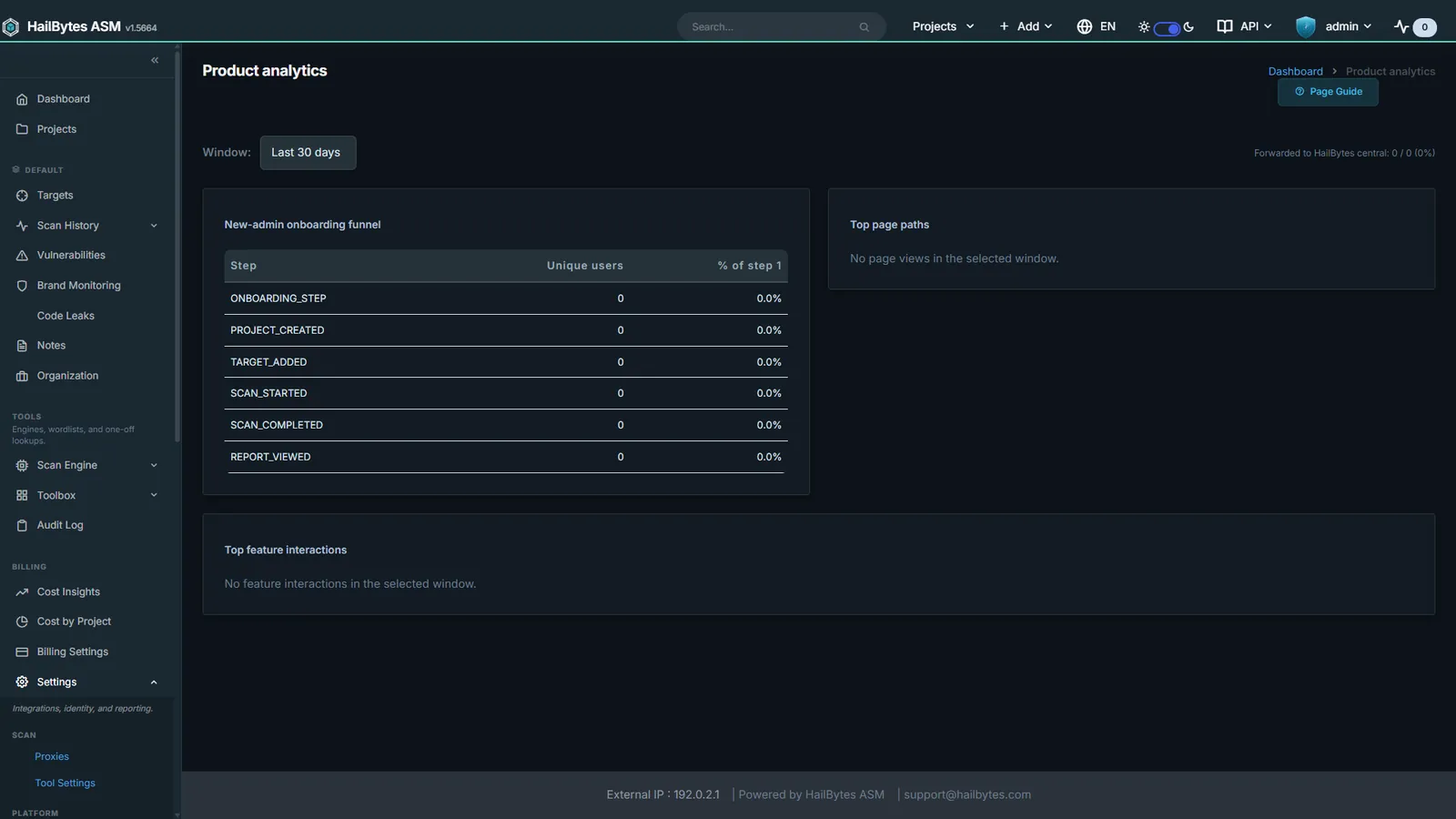
Usage Analytics
Self-hosted product analytics; nothing leaves your instance.
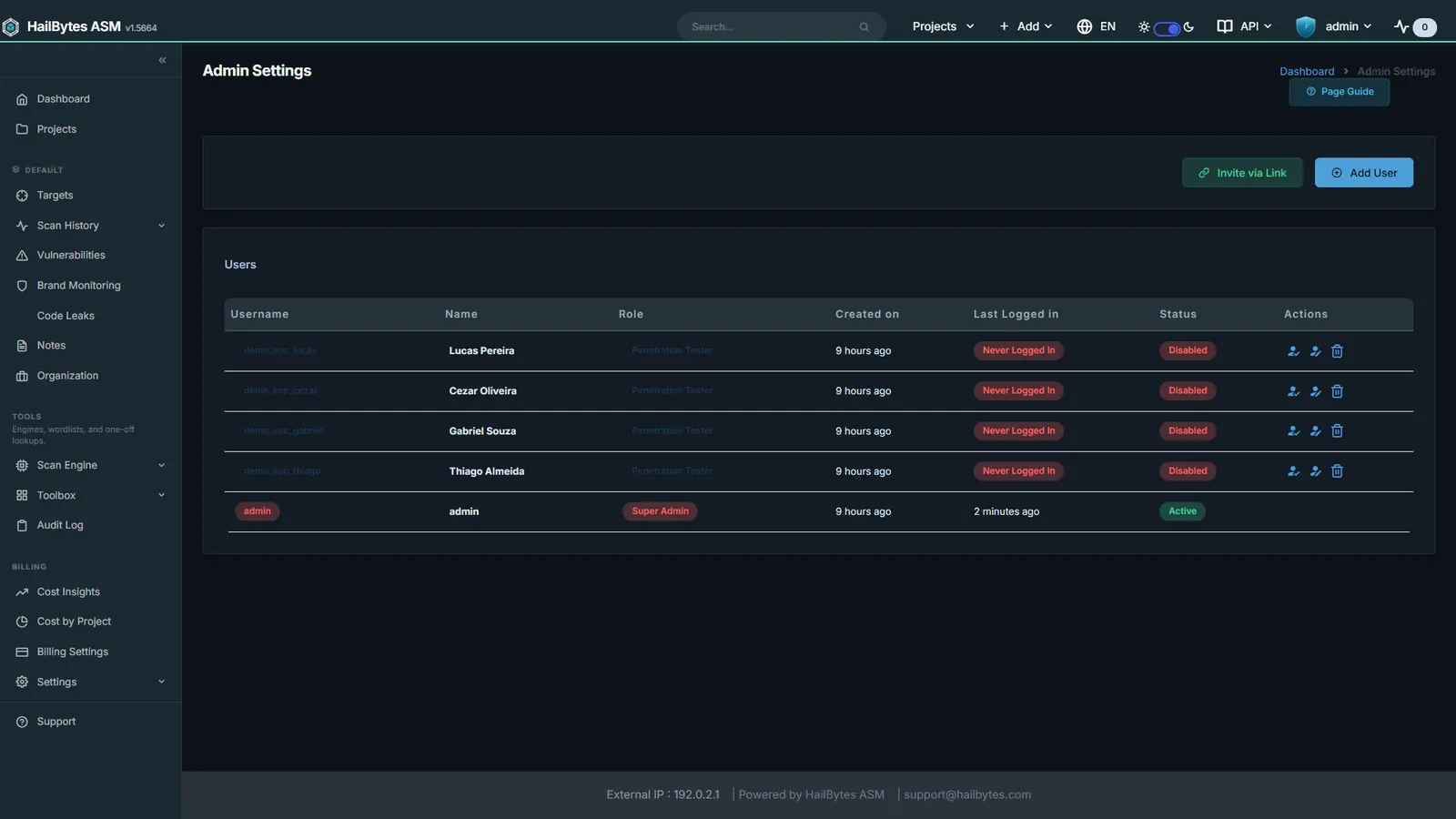
Users and Roles
Role-based access control with per-project scoping and invitations.
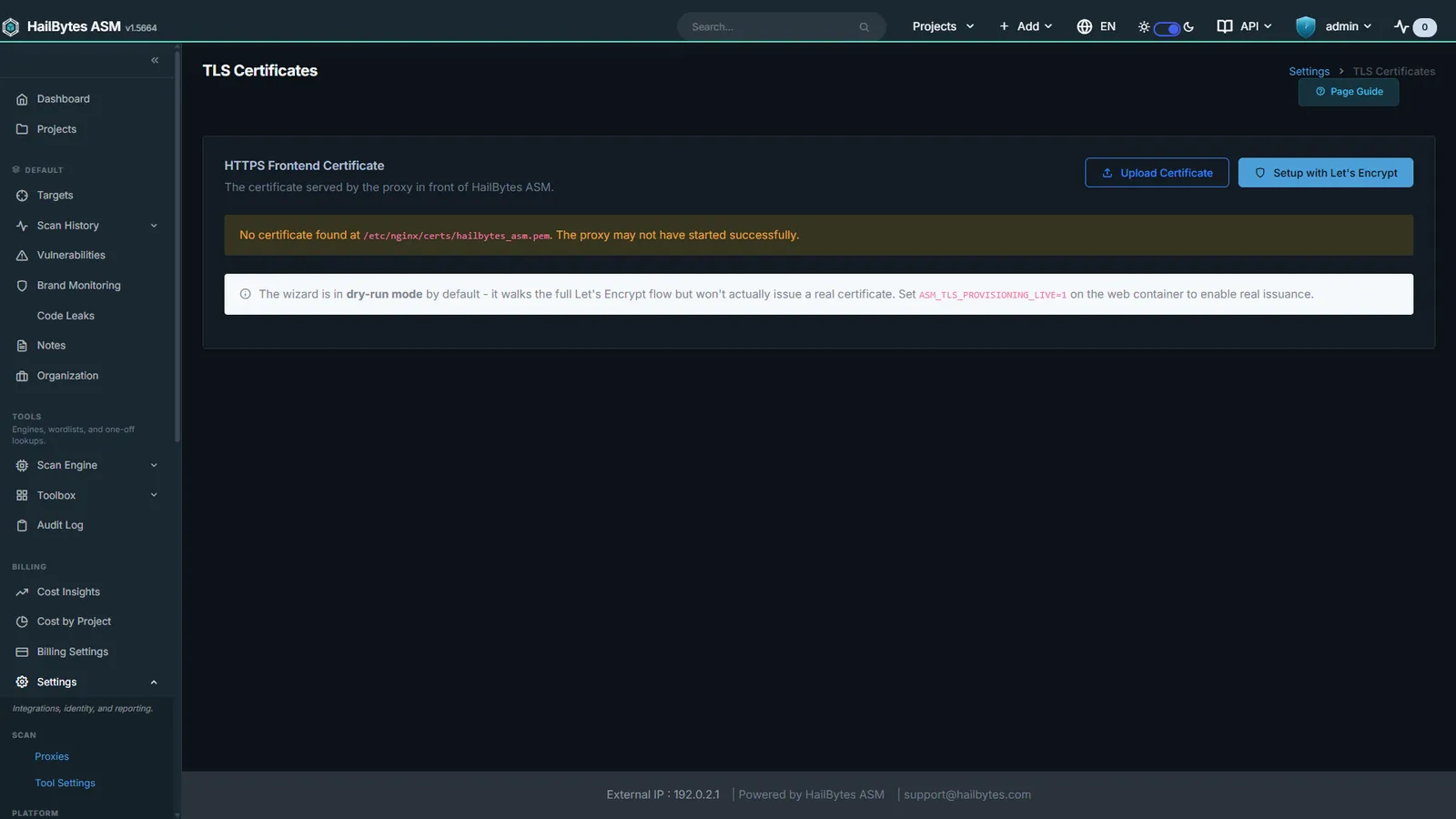
TLS Certificates
Current certificate state plus a one-click Let's Encrypt wizard.
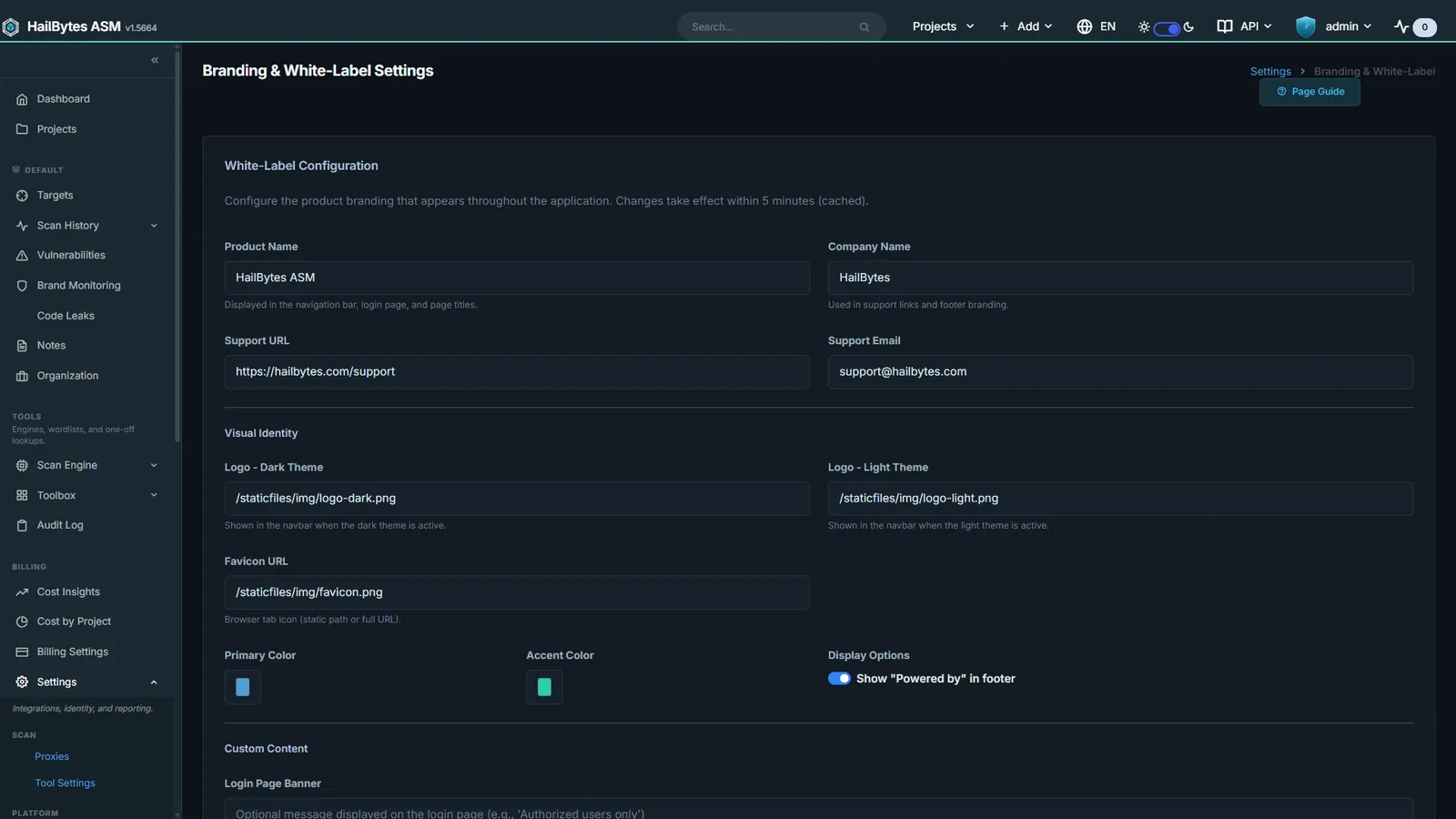
White-label Branding
Your logo and palette across the console and every generated report.
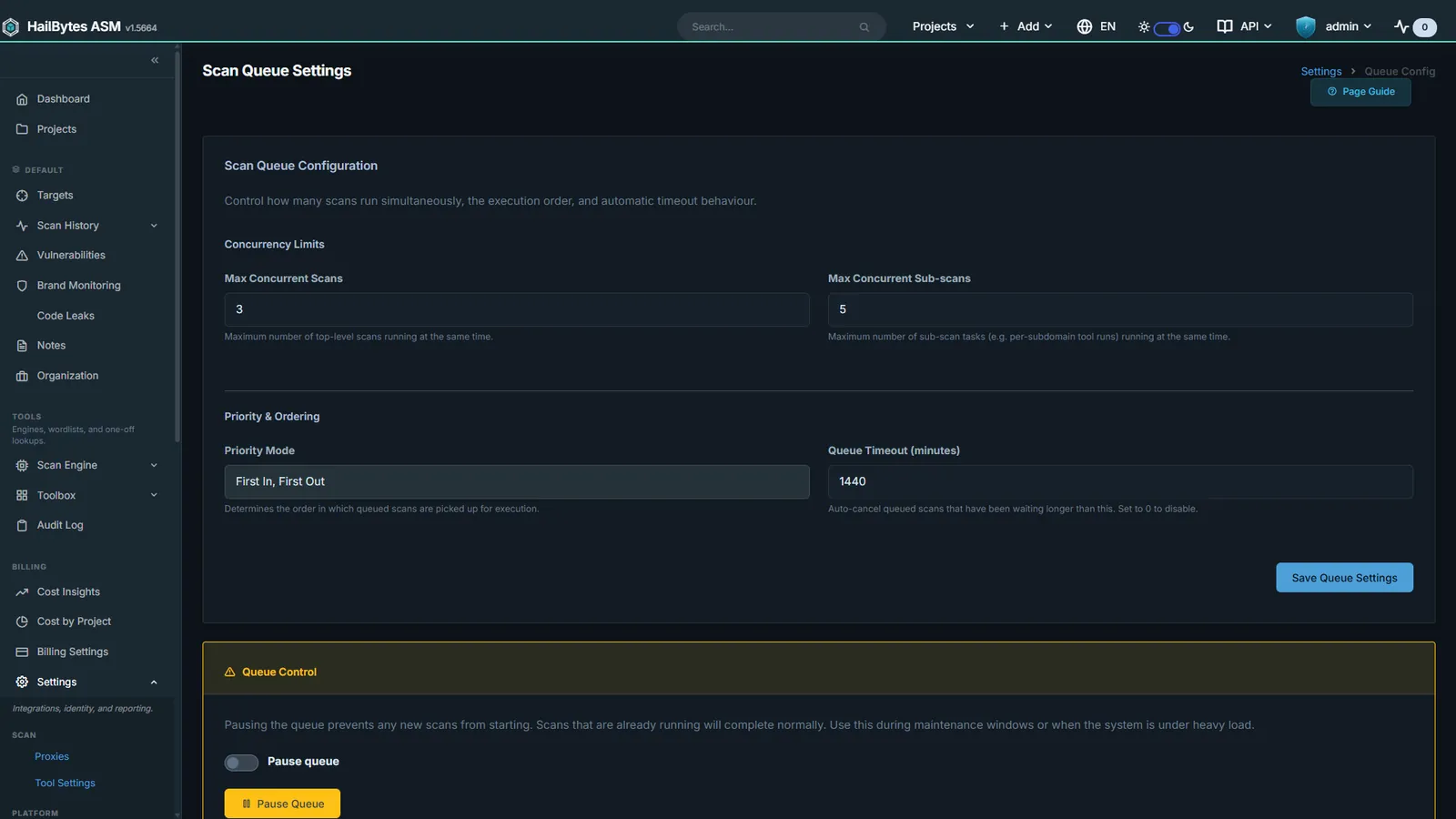
Queue and Concurrency
Tune worker concurrency and per-phase rate limits to your hardware.
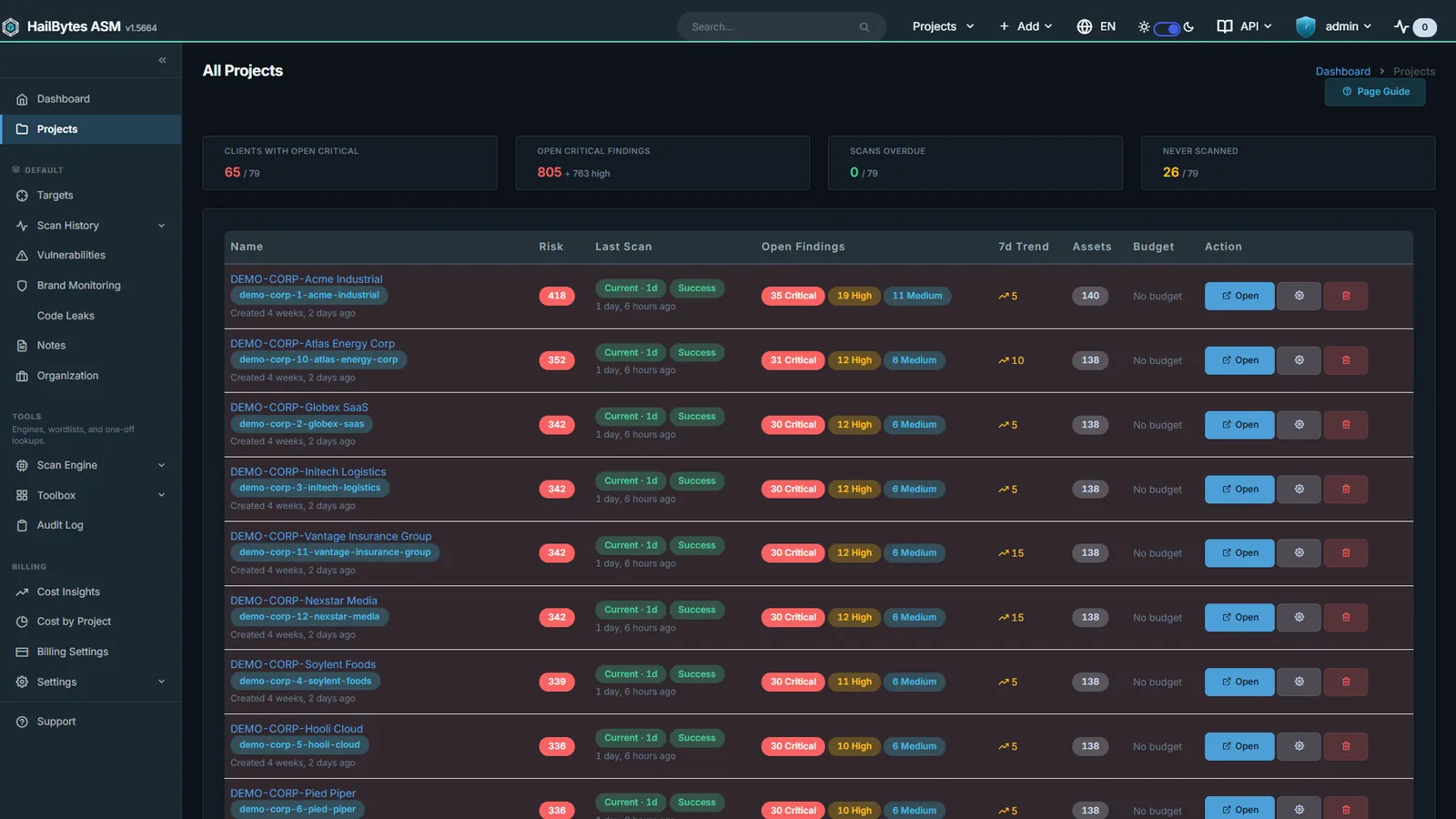
Project Switcher
One workspace per customer or business unit, fully data-isolated.
Recon Notes
Per-target analyst notes and to-do tracking alongside the scan data.
See it against your own attack surface
ASM is self-hosted: it deploys into your AWS or Azure account, and your scan data never leaves it. Bring a domain to a live session and we will run it in front of you.